Teams no longer wait until the deployment is finished and then pray nothing breaks.
Instead, the best product teams understand they must decouple deployment from release.
So, they release a feature to a small set of users, observe the impact in real time, and either roll it out to more users or roll it back, all without touching the codebase again.
The right platform makes these controlled feature rollouts measurable and far less stressful for every stakeholder involved.
However, choosing the right release management tool depends less on which platform has the longest feature list and more on what a team needs to ship confidently.
Let’s take a closer look at five of the strongest platforms, what each does well, and how you can choose the right one for your specific goals.
Quick comparison of the top release management tools
No.
Tool
Top capabilities
Pricing
1.
Wingify Feature Management
– Auto-rollout & rollback features based on their adoption trend. – Test and optimize user experiences across all platforms to find what truly impacts key metrics. – See why a metric moved with integrated heatmaps and session recordings.
Custom pricing, 30-day free trial
2.
Statsig (Amplitude)
– Run experiment analysis directly in your own data warehouse. – Build custom funnels, watch session replays, and analyze user journeys. – Run A/B tests, sequential tests, or contextual, multi-armed bandit tests.
Plus plan starts at $150/month.
3.
LaunchDarkly
– Feature flags, targeting, progressive rollouts, and automated (guarded) rollbacks. – Control AI agent behavior in production in real time. – Run A/B/n tests, multi-armed bandit tests, and full-stack testing.
Free Developer tier. Foundation plan starts at $10 per 1k client-side MAU/month.
4.
Optimizely
– Progressive rollouts and an instant kill switch so features can be disabled without a redeploy. – Release features to the right users at the right time with permissions and approval workflows. – Track every flag’s owner, status, and environment for reliable results.
Custom pricing, no free trial.
5.
Split by Harness
– Use flexible targeting rules and dynamic configuration to control and manage features. – Send instant alerts when a specific flag causes a regression. – Scale to millions of users without risking performance.
Free plans for individual users & small teams, custom pricing for others.
Feature flags are fundamental for any product offered on desktop, mobile, or multiple platforms. You just watched something and paused halfway on your phone, but when you switch on the TV, it picks up exactly where you left off. So, if you want to introduce a feature that’s a combination of engagement across platform A + platform B, feature flags are the way to create custom segments and release features to targeted audiences.
Mahek Mahendra Shah, Director of Product Management, Wingify
Wingify Feature Management is a release management platform that lets teams progressively roll out, test, monitor, personalize, and analyze new features.
The unified platform combines feature flags with A/B testing and user behavior analysis, helping both technical and non-technical teams test and release features confidently.
Trusted by 4,000+ customers, Wingify Feature Management equips teams to manage the entire feature lifecycle end-to-end and, unlike most tools in this list, to understand why a release moved a metric without adding a second product.
Top features of Wingify Feature Management
Automated feature rollouts: Auto-rollout based on adoption and behavior, with an auto kill switch that halts a release when key metrics dip.
Product experimentation: Test and optimize user experiences across all your digital platforms to find what truly impacts your critical metrics.
User behavior analysis: See exactly where users click, struggle, hesitate, or drop off during a feature release with built-in heatmaps and session recordings within the same platform, not a bolt-on.
Advanced personalization: Build and deliver tailored experiences to specific visitor cohorts using built-in targeting and segmentation.
Developer-friendly adoption: REST APIs, SDKs for major languages and platforms, native integrations, and an MCP server reduce friction for engineering teams adopting the platform.
A customer review from G2
I find Wingify Feature Management particularly helpful for optimizing product page experiences by testing different messaging, layouts, pricing visibility, CTA placements, and recommendation topics. It’s also really useful for analyzing how users interact with onboarding journeys, sign-up steps, checkout processes, and other multi-step experiences.
Prasanna K., Senior SEO Analyst
Pricing
30-day free trial, custom pricing based on your specific business requirements.
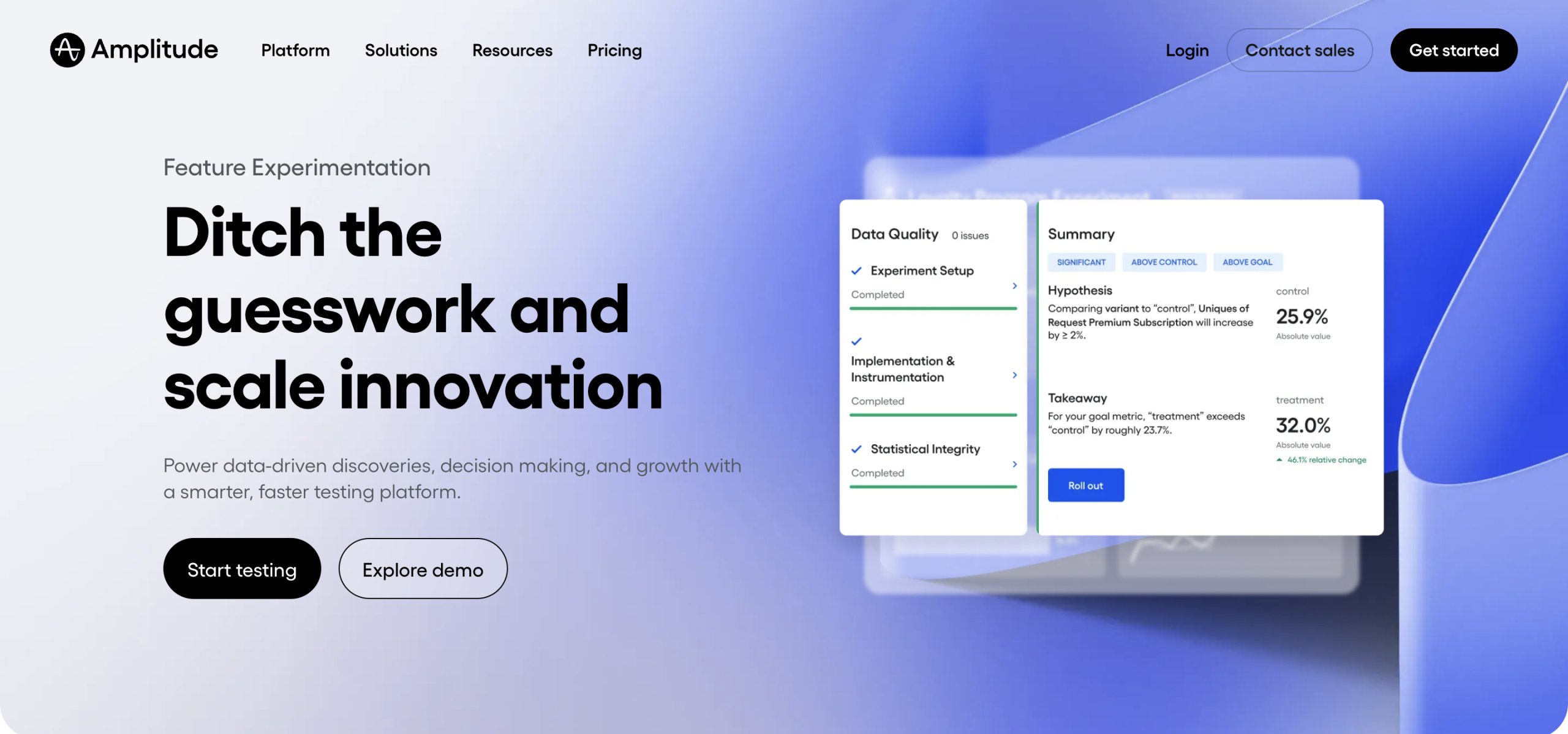
Statsig describes itself as a modern product development platform that offers a wide range of capabilities for teams looking to build and optimize product experiences.
It offers feature management, experimentation, product analytics, session replay, and web analytics, so teams can test, release, and analyze each feature in one place.
Statsig’s experimentation capabilities are designed to help teams run advanced tests (including CUPED for faster reads), scale optimization efforts, and build a data-driven culture.
Top features of Statsig
Warehouse-native experimentation: Run experiment analysis directly in your own data warehouse using your existing metric definitions, so user-level data stays put.
Unified product analytics: Build custom funnels, watch session replays, analyze user journeys, and identify trends in engagement and retention.
Advanced experimentation: Run A/B tests, sequential tests, or contextual multi-armed bandit tests across your platform.
A customer review from G2
I love using Statsig for its intuitive and fast workflow, which makes managing feature rollouts and running experimentation workflows across our product efficient and straightforward. The clean user interface and reliable metrics and analysis provide a seamless experience.
Bastian D.
Pricing
Free tier (up to 2M events/month), while the Plus plan starts at $150 per month. Custom pricing is available for Enterprise brands.
3. LaunchDarkly
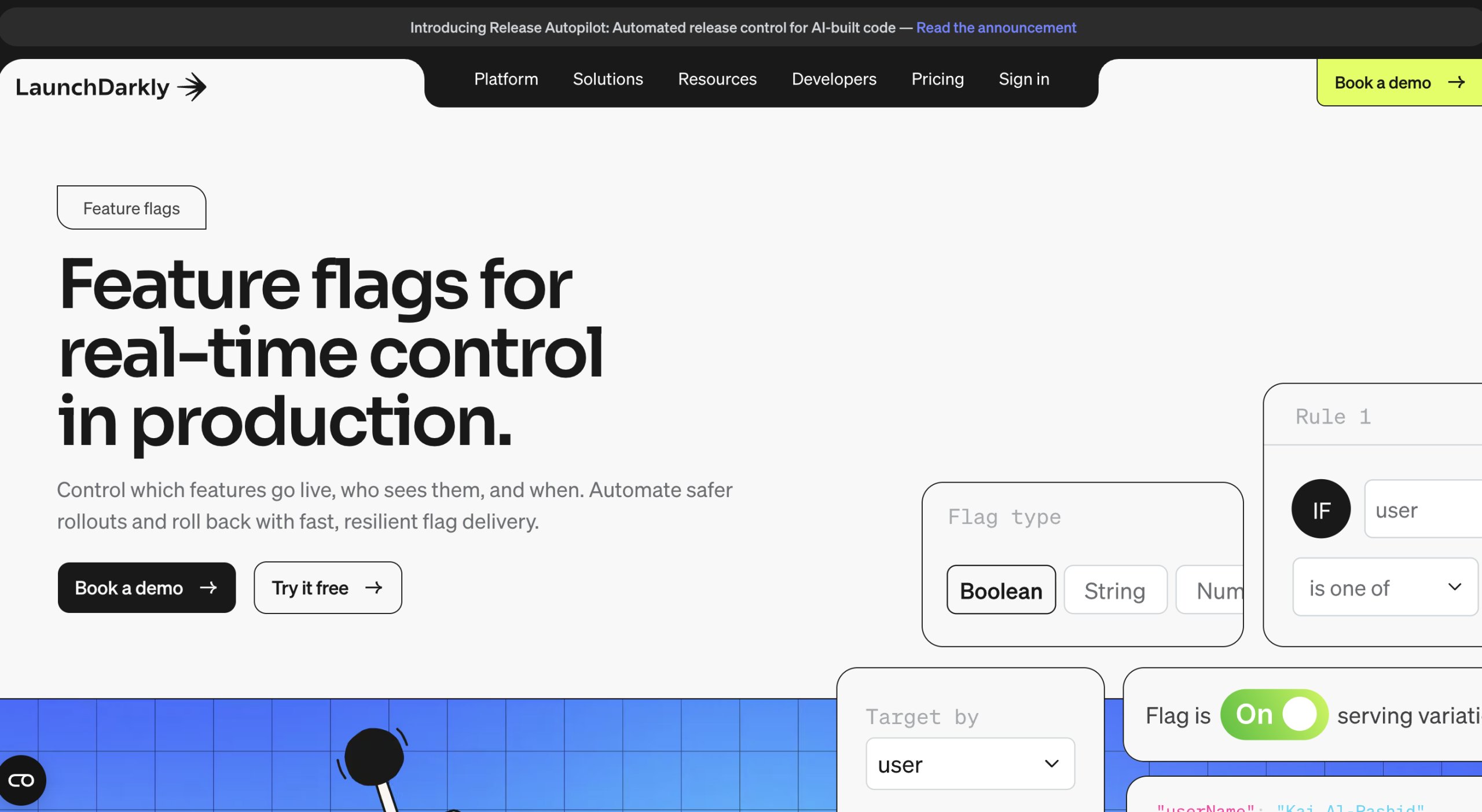
Primarily a feature management tool, LaunchDarkly has repositioned itself as a platform for controlling how both code and AI agents behave in production.
It offers CodeControl, which covers feature flags, targeting, progressive rollouts, automated rollbacks, and experimentation.
AgentControl manages AI agent behavior in production, including online and offline evaluations, observability, and prompt management.
LaunchDarkly offers 25+ native SDKs across frontend, backend, mobile, and AI use cases, which is the broadest coverage in this list, along with agent-native workflows that let teams manage flags directly from tools like Claude Code or Cursor.
Top features of LaunchDarkly
CodeControl: Feature flags, targeting and segments, progressive rollouts, and automated (guarded) rollbacks in one release-control workflow.
AgentControl: A dedicated toolset to keep AI agents on track, block bad behavior, and steer their responses in real time.
Built-in experimentation: Run A/B/n tests, multi-armed bandit tests, and full-stack testing so changes can be measured against real outcomes.
A customer review from G2
LaunchDarkly has been critical for provisioning and managing access to a beta program at scale. It allows us to selectively enable features for specific customer cohorts without manual work or separate environments. This makes it much easier to run a structured beta, gather feedback safely, and iterate without impacting our broader customer base.
Beth J., Manager, Growth Product Specialists
Pricing
Free but limited Developer tier, with paid plans starting at $10 per 1k client-side MAU/month. It also offers custom pricing for Enterprise brands.
4. Optimizely
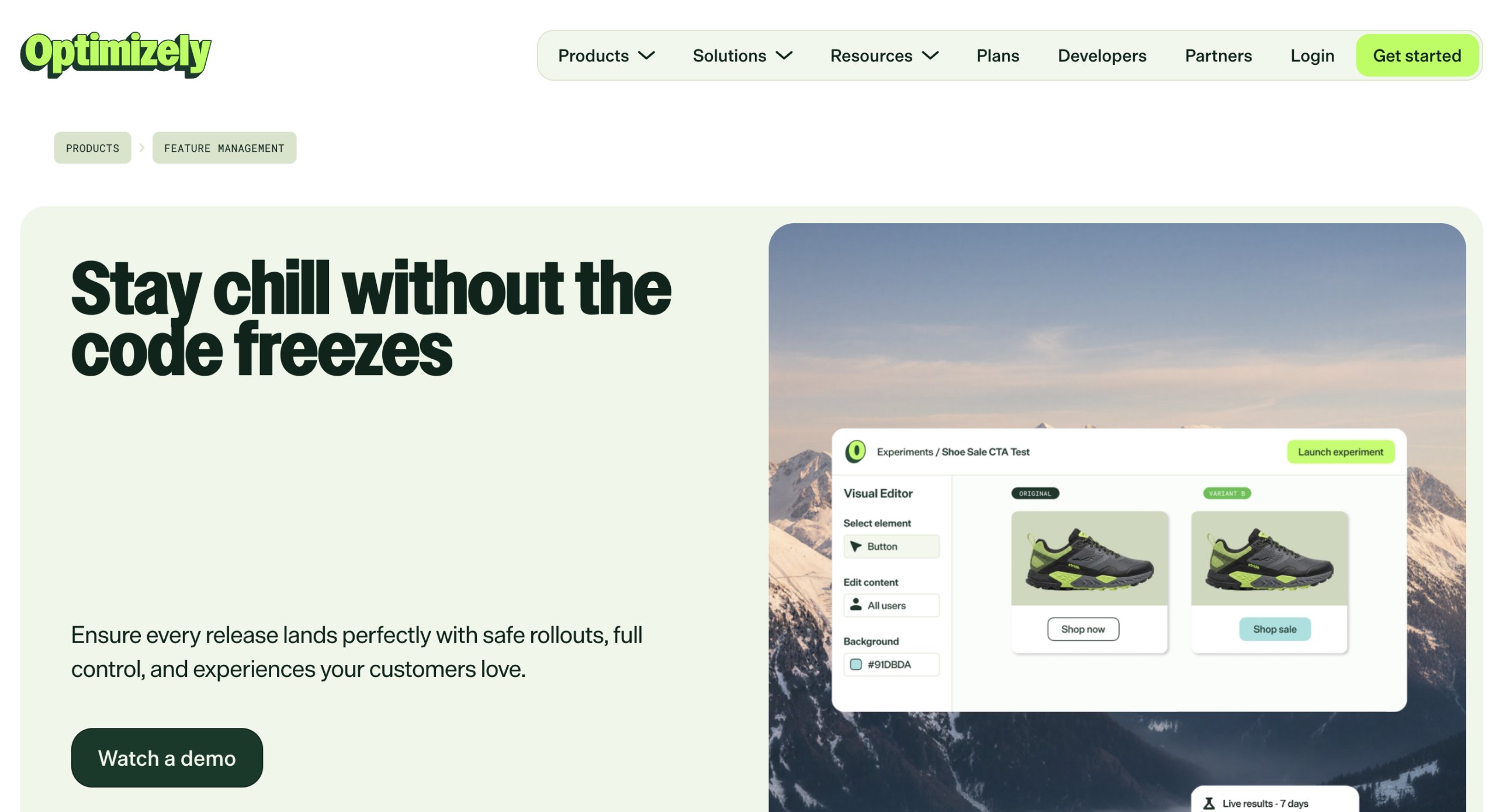
Optimizely Feature Management positions itself as a full-lifecycle feature management platform, handling everything from first launch to progressive rollouts.
The platform enables you to run A/B and multivariate tests across web, mobile, server-side, and edge environments from a single SDK.
Optimizely’s Stats Engine supports sequential, Bayesian, and fixed-horizon frequentist methods with false discovery rate control, among the deepest statistical toolsets here.
Newer additions include flag governance and lifecycle (every flag’s owner, status, and environment) with mutual exclusion rules to prevent concurrent experiments from skewing each other’s results.
Top features of Optimizely
Full-stack experimentation: Run tests across web, mobile, server-side, and edge from a single SDK.
Targeted delivery: Control who sees a feature with built-in permissions and approval workflows, targeting by user, region, or custom attributes.
Configurable Stats Engine: Choose your method (sequential, Bayesian, frequentist) and use Global Holdouts to measure the cumulative impact of an entire experimentation program.
A customer review from G2
I am using Optimizely to control which roles on my SaaS can see each feature. It’s very easy to control experimentation and feature flags. It’s also very simple to make changes to audiences and integrate with the JavaScript library.
Matheus S., Head of Customer Service
Pricing
Paid plans are customized based on usage and scale.
5. Split by Harness
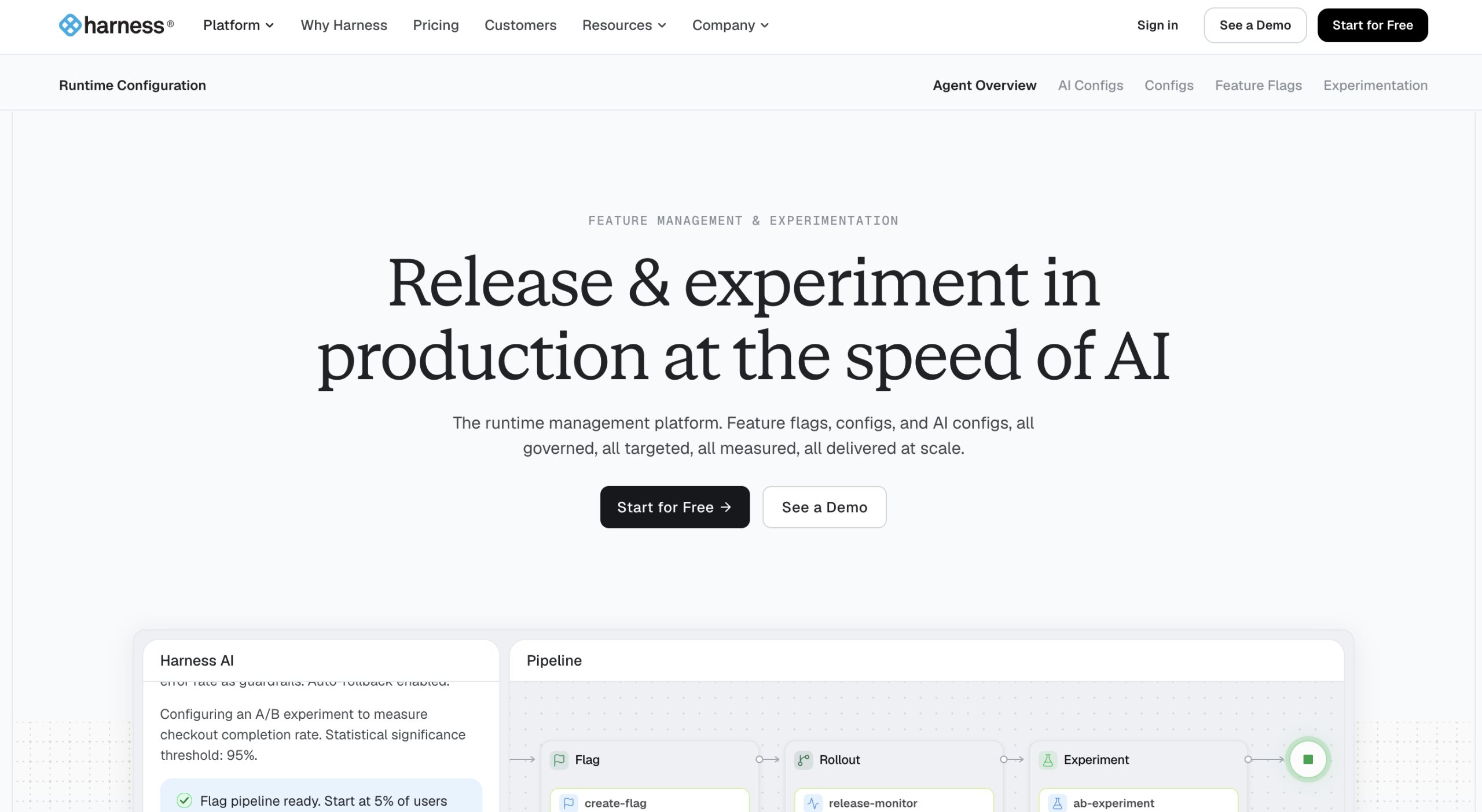
Acquired by Harness in 2024, Split now offers experimentation and feature management alongside release management and monitoring, sold as Harness Feature Management & Experimentation (FME).
The tool offers feature flags, targeting rules, dynamic configuration, automated detection of a flag’s performance impact, and user behavior analysis.
Harness has also added an AI-powered Release Agent that explains experiment results in plain language and recommends whether to roll out, roll back, or refine a given test.
Top features of Split by Harness
Feature flags: Flexible targeting rules and dynamic configuration to control features without a new deployment.
Release monitoring: Capture performance metrics as soon as a rollout begins and send instant alerts when a flag causes a regression.
In-app flag evaluation: Scale to millions of users while maintaining performance, without sending private user data to the cloud.
A customer review from G2
As a product manager, I have my teams build almost everything using feature toggles with Split.io. This gives me quick and easy control over user/account access and feature rollouts. It also makes testing much easier and is very user-friendly.
Sophie G.
Pricing
Free plan for individual users and small teams. Custom pricing for SMBs, mid-market, and enterprise.
How the tools really compare
Feature flags, progressive rollouts, and instant kill switches are table stakes.
Every tool here does them well, and server-side flags can gate anything from a UI variation to an algorithm, a pricing rule, or which model runs.
What separates these platforms is what happens after you ship.
Broadest SDK coverage and AI-agent control: LaunchDarkly, with 25+ SDKs, guarded auto-rollbacks, and AgentControl.
Value and warehouse-native analytics: Statsig
CI/CD-native release automation: Split by Harness.
Release control plus native behavioral analytics in one platform: Wingify Feature Management. It pairs feature rollouts with built-in heatmaps, session recordings, and funnels. When a metric moves after a release, you can see why and act on it without adding a second tool. It’s also the most accessible to non-technical teams: where most tools in this list are developer-first, Wingify’s optimization heritage means product, growth, and marketing can run and read releases alongside engineering.
Pro Tip!
Set up a Global Holdout in Wingify Feature Management to keep a small, stable group of users out of every new feature rollout, experiment, or personalization campaign. Comparing their conversions and key metrics with everyone else’s shows the cumulative impact of your entire roadmap, which individual test reports can’t.
5 critical capabilities to look for in release management tools
Depending on your requirements, business goals, and tech stack, a few capabilities determine whether your team can make confident, data-driven decisions.
Experimentation is a de-risking mechanism. If I do one big release after six months, there could be a lot of problems. But if I break that into smaller monthly releases, phased rollouts to a certain audience, I’ll learn much more quickly and de-risk any big issues that would’ve happened otherwise.
Discovering a bug after launch is one of the most common issues teams face.
Progressive rollouts decouple feature release from deployment.
Without that decoupling, teams risk shipping a broken feature with no mechanism to roll it back.
Controls like percentage-based ramps, audience targeting, and scheduled rollouts let teams release gradually rather than all at once, so any issues surface while affecting only a small, controlled part of the audience.
Download the One Flag Feature Launch Playbook to explore 35 pre-launch and post-launch checks, from flag creation to personalization.
2. Instant kill switch
When a release goes wrong, the time between detecting the issue and resolving it determines how many users are affected.
A redeploy can take minutes to hours, and the problem can keep compounding in the meantime.
With tools like Wingify, you can use a kill switch to instantly disable any feature without a full redeploy or rollback, so teams can ship faster without worrying about how to contain a problem.
3. SDK and platform coverage
Limited SDK support forces teams to spend twice as much effort on integration and maintenance.
Your tool should support the languages, frameworks, and platforms (web, mobile, server-side, edge) your team actually ships on, so a feature can be followed across surfaces as your product expands.
4. Integrated user behavior analysis
Say your tool tells you conversion dropped 3% after a release, but you can’t see where in the flow people got stuck.
This is where you need visibility into how users interact with the feature: where they click, how far they scroll, where they drop off.
Heatmaps and session recordings fill this gap by helping teams understand how and why a metric moved.
Wingify natively integrates release management with user behavior analytics, so teams can track and analyze user behavior at every stage of the feature lifecycle.
5. Integration with existing workflows
Tools with limited integration options force teams to change how they build and deploy, limiting adoption and hindering scale.
Your tool should integrate seamlessly with your existing pipelines and data systems so the whole team benefits.
One of the strongest use cases for feature management is testing pricing, subscription plans, and delivery thresholds. Because these changes happen on the backend, teams can validate business-critical decisions without exposing unnecessary risk to all users.
How AURUM used Wingify Feature Management to drive 4x trial activation
AURUM, a Brazilian legal-tech brand behind the practice-management platform Astrea, offers a 10-day free trial so law firms can experience the product’s core value quickly.
But the core input required to use Astrea (legal clippings) could take up to 48 hours to become available.
That meant users often took up to three days to reach their first “aha” moment, weakening early value perception and increasing the risk of trial abandonment.
AURUM’s growth team used Wingify Feature Management to run a structured pipeline of experiments across the trial journey:
Redesigning the onboarding flow with a clearer progress bar and reframed setup steps lifted activation by 105%.
A guided onboarding checklist pointing users toward key activation behaviors (like adding a task or processing a clipping) led to a 187% uplift in activation rate.
Making legal clippings available immediately on first access, instead of after the 48-hour delay, lifted engagement with clippings by 125%.
Overall, AURUM’s trial activation rate grew from roughly 1% to 4% (a 4x increase), which was reported as 300% growth.
Final thoughts
Each of these five tools approaches release management from a different angle.
The right platform depends on your existing tech stack, experimentation culture, and the level of governance or compliance in your release process.
If you need the widest SDK matrix or runtime AI-agent control, LaunchDarkly is purpose-built for that, and if you want the deepest statistics and governance, look at Optimizely.
Wingify Feature Management stands out for teams whose priority is understanding user behavior around each release: It combines feature management with built-in behavioral analytics in a single platform, so you can ship confidently and see why the metric moved.
Because the platform grew out of a broader optimization suite, it works for both technical and non-technical teams, bringing engineering, product, growth, and marketing into one platform instead of separate tools. Developers set up the SDK and flags once, and non-developers manage targeting and variations from there.
Schedule a demo now to explore how Wingify Feature Management helps teams ship features confidently.
Hi, there! I’m an Associate Manager of Content at VWO with 6 years of experience in B2B and B2C marketing. I work across blogs, SEO, thought leadership, newsletters, landing pages, and a video podcast I built and manage from scratch. At VWO, I’ve gained expertise in CRO, experimentation, user behavior research, and personalization, creating content that makes complex ideas clear and actionable. Outside of work, I enjoy experimenting with memes and short-form video on Instagram.
You might also love to read these
3 Min Read
Stop Switching Tabs: Run Your Wingify Experiments From Claude
4 Min Read
Meet Wingz Workflows: AI Automation for CRO Teams | Wingify
8 Min Read
The Gift of Relevance: How the Best-Converting Holiday Experience Adapts to Every Shopper