E-commerce
How GANNI Styles Brand Identity Through Experimentation
+ 12 %
average order value

Wingify vs Monetate
Choosing an optimization partner is a big move. You want one that scales with your team — not one that silos it.
Monetate works for recommendation-heavy programs. Wingify brings insights, experimentation, recommendations, personalization, and AI together in one suite.
Every request shouldn’t have to run through one technical team. Marketing, ecommerce, product, engineering, and leadership each need ways to act, measure, and improve.
Monetate supports personalization and recommendations, but complex workflows often rely on technical resources, limiting how independently non-technical teams can move.
Wingify gives every team more autonomy. With experimentation, feature flags, personalization, recommendations, AI-supported workflows, visual editing, and pre-coded templates live in one suite — teams launch, learn, and optimize faster while technical teams keep control where it matters.
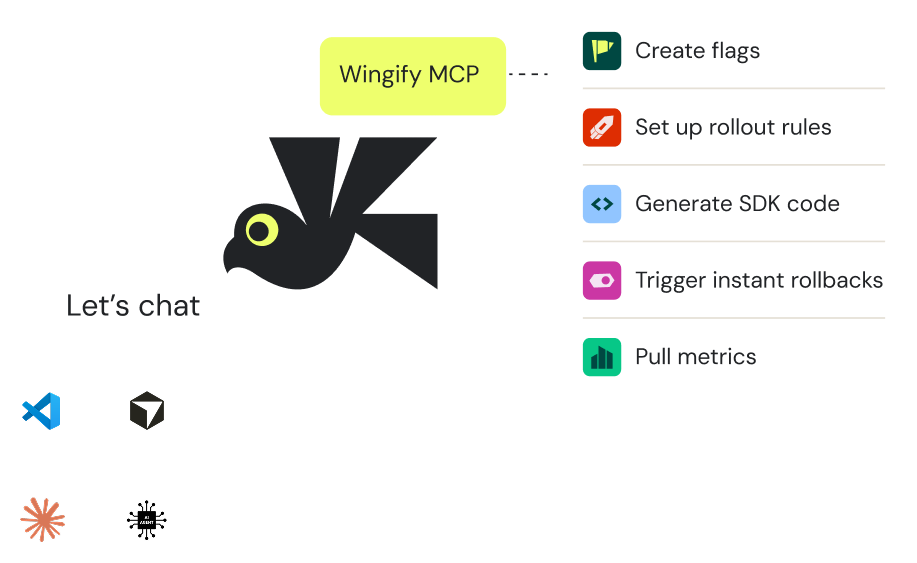
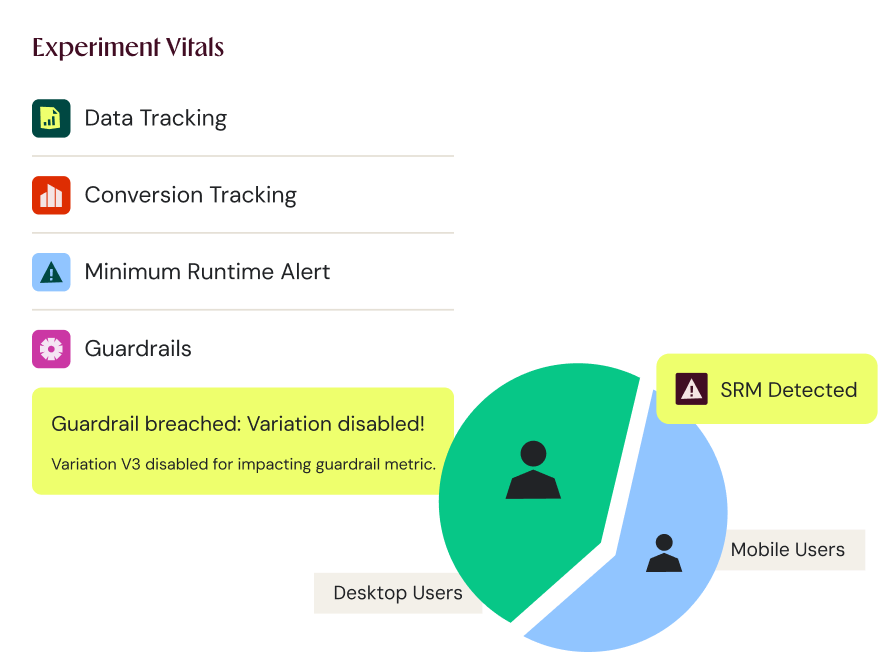
Optimization rarely follows a perfect plan. Teams often need to adjust tracking, refine traffic allocation, or respond to what they’re seeing mid-test.
Wingify is built for that. Instead of treating launch as a point of no return, teams manage and adapt experiments with greater agility — keeping tests moving, preserving the learning process, and avoiding unnecessary rework.
With Monetate, post-launch changes can be less straightforward, especially when preserving reporting continuity and avoiding fragmented, duplicated work.
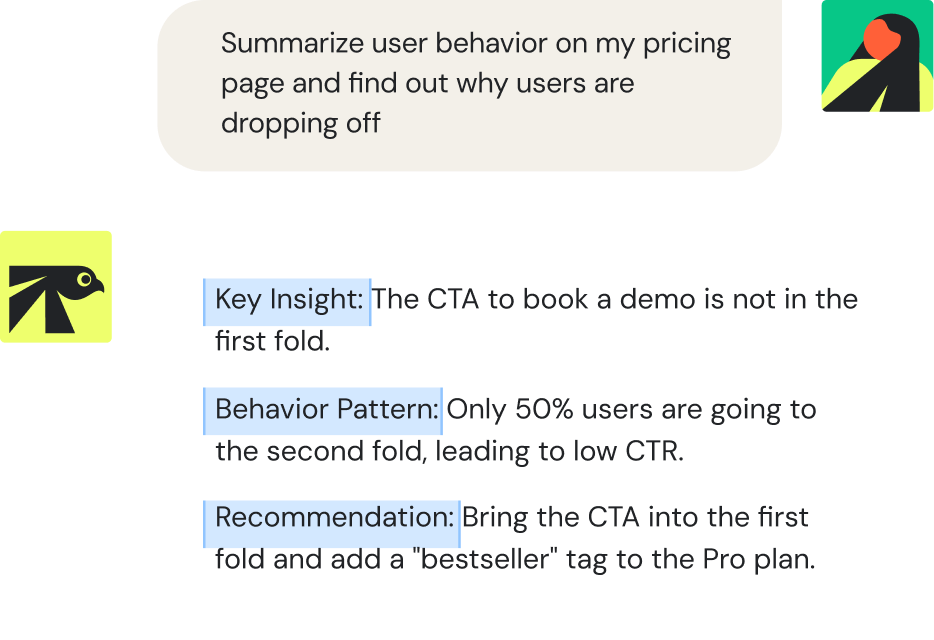
AI should do more than sit on top of your platform as a feature. It should help teams discover opportunities, analyze behavior, create variations, launch experiments, and learn what to do next.
Monetate applies AI mainly to personalization and recommendations. Wingify takes a broader approach, applying AI across the full optimization lifecycle: from insight and ideation to experimentation, analysis, and action.
Wingify AI connects analytics, testing, and workflows through one intelligence layer: spot friction, generate test ideas, build ready-to-launch variations, summarize results, and turn every experiment into the next one’s learning.
Running a test is only valuable if teams can understand what happened, why it happened, and what to do next.
Monetate reporting is geared toward broader performance analysis, which can limit teams that need very specific page-level insights or want to integrate their GA4 workflows.
Wingify gives teams a stronger foundation for measurement and analysis — clear experiment reporting, AI-supported insights, behavioral analytics, and a wide range of integrations. Teams go beyond whether a test won or lost to understand the customer behavior behind the result and apply those learnings to recommendations and personalization.
Optimization works best when insights, testing, recommendations, and personalization are connected — not in separate silos.
Wingify brings these workflows together in one suite. Teams use behavioral insights to spot friction, turn findings into hypotheses, validate them through experiments, personalize the winning experiences, and roll them out safely across devices.
This makes Wingify a stronger fit for teams that want every optimization workflow to inform the next: insights shape tests, tests improve personalization, recommendations support revenue goals, and every learning helps create better digital experiences.
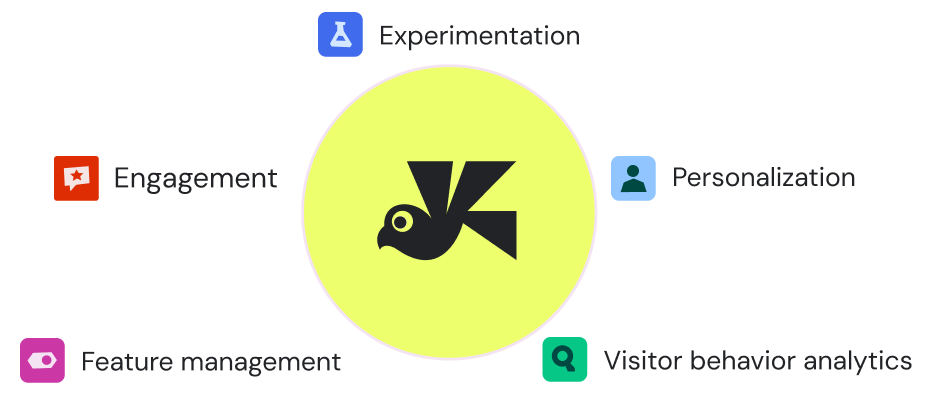
The practical differences that matter when choosing between Monetate and Wingify.
| Monetate |
 |
|
|---|---|---|
| Flexibility | Post-launch changes can be less straightforward, especially when preserving data continuity. | Gives teams more control to manage and adapt experiments throughout the testing lifecycle. |
| Ease of use | Can require more technical support for complex use cases. | Built to help both technical and non-technical teams act from one connected suite |
| AI Layer | AI is mainly focused on personalization and recommendations. | Applies AI across the full optimization lifecycle, from insight to ideation, experimentation, analysis, and action. |
| Reporting | Reporting is geared toward broader performance analysis. | Offers granular reporting, AI-supported insights, and behavioral analytics. |
| Integrations | Some workflows, like GA4, may require additional setup. | Offers a wide range of integrations to connect performance data across the stack. |
| Support | May require more technical resources for implementation and advanced workflows. | Provides onboarding, guidance, and support to help teams launch and scale faster. |

Here is what teams usually ask before they start
Wingify is a strong Monetate alternative for teams that want experimentation, personalization, recommendations, behavioral insights, and AI-supported optimization in one connected suite. Wingify will fit teams that want more flexibility across the full experimentation lifecycle, easier collaboration between marketing, ecommerce, product, and engineering teams, and AI support across insight discovery, test creation, analysis, and next-step recommendations.
Teams choose Wingify over Monetate for experimentation because Wingify is built for faster, more flexible optimization across the full testing lifecycle. Teams can use behavioral insights to identify friction, turn those insights into hypotheses, build experiments, analyze results, and apply learnings to personalization and recommendations from one suite. Wingify also gives teams more room to manage experiments after launch, with stronger support for adapting tests, tracking performance, and keeping optimization workflows connected.
Yes. Wingify offers personalization and product recommendations alongside experimentation and behavioral analytics. Teams can create targeted experiences for different audience segments, personalize content based on visitor behavior, and support ecommerce journeys with recommendation-led experiences such as relevant products, trending items, or behavior-based suggestions. This helps teams move from testing what works to personalizing those winning experiences for the right visitors.
Yes, marketing and ecommerce teams can use Wingify without developer support for many common optimization tasks. They can create A/B tests, edit page content, update images or CTAs, build variations with the visual editor, use pre-coded templates, launch personalization campaigns, and analyze results without relying on developers for every change.
Free for 30 days. No credit card required.
Talk to a sales representative
Your dedicated Wingify representative will be in touch shortly to set up a time.
at

Increase in Trial activation