Software

AURUM drives 4× trial activation through experiment-led onboarding with Wingify
+ 300 %
trial activation

Wingify vs Mouseflow
Seeing is half the job
Mouseflow is good at showing you where people hesitate, click, or drop off. But to act on what you find, you need a different tool. Wingify does the seeing and the doing in one platform. Here’s how we see the difference.
Mouseflow does the diagnosis well. Session replay, six heatmap types, funnels, form analytics, surveys, and a friction score that flags frustrated sessions on its own.
But that’s where it ends. You need a different tool to fix it, ship the fix, and come back to see what changed.
Wingify keeps it in one place. Behavioral Insights sits next to Experiment, Personalize, and Feature Management, on the same data. See the drop-off, build the test from it, roll the winning variation, and learn why it worked.
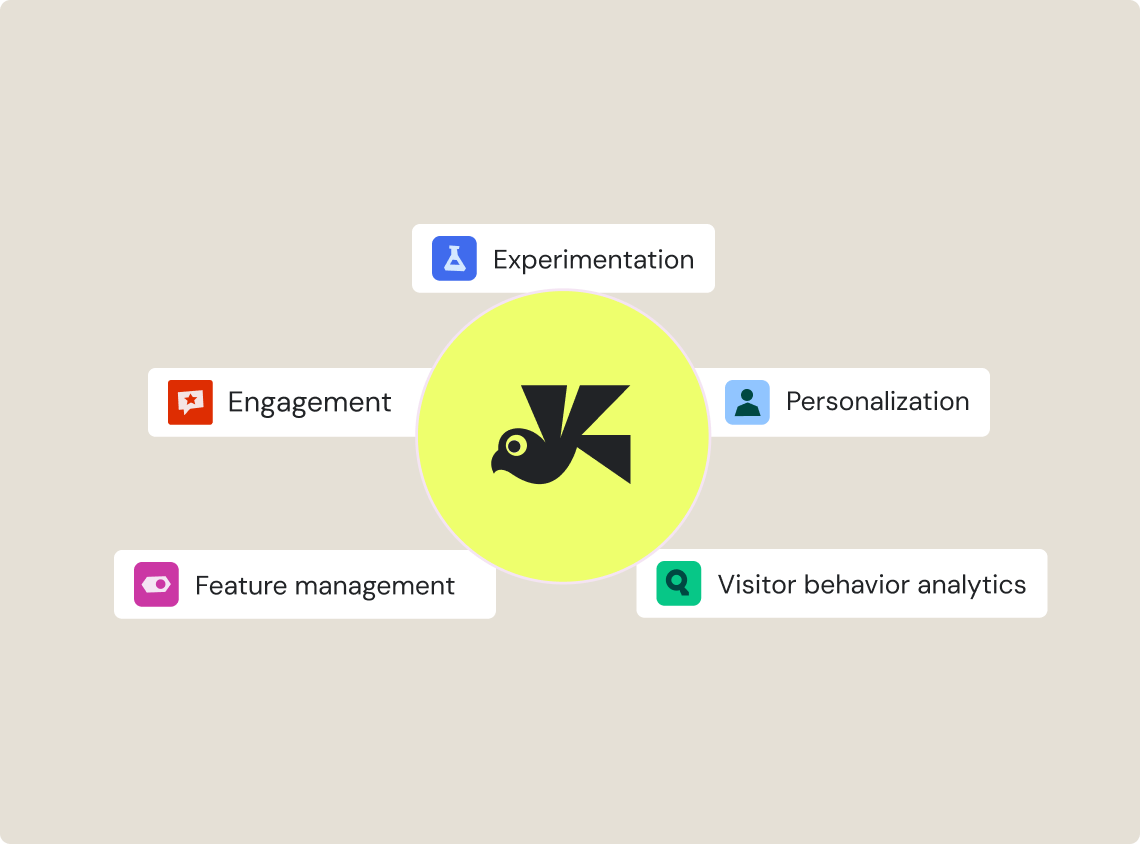
Mouseflow gives you heatmaps, recordings, funnels, and surveys, all on your website. But that’s where the coverage stops. Mouseflow runs in mobile browsers, not inside your app.
Wingify covers more ground. The same recordings, heatmaps, funnels, and segment filters work inside native and hybrid apps.
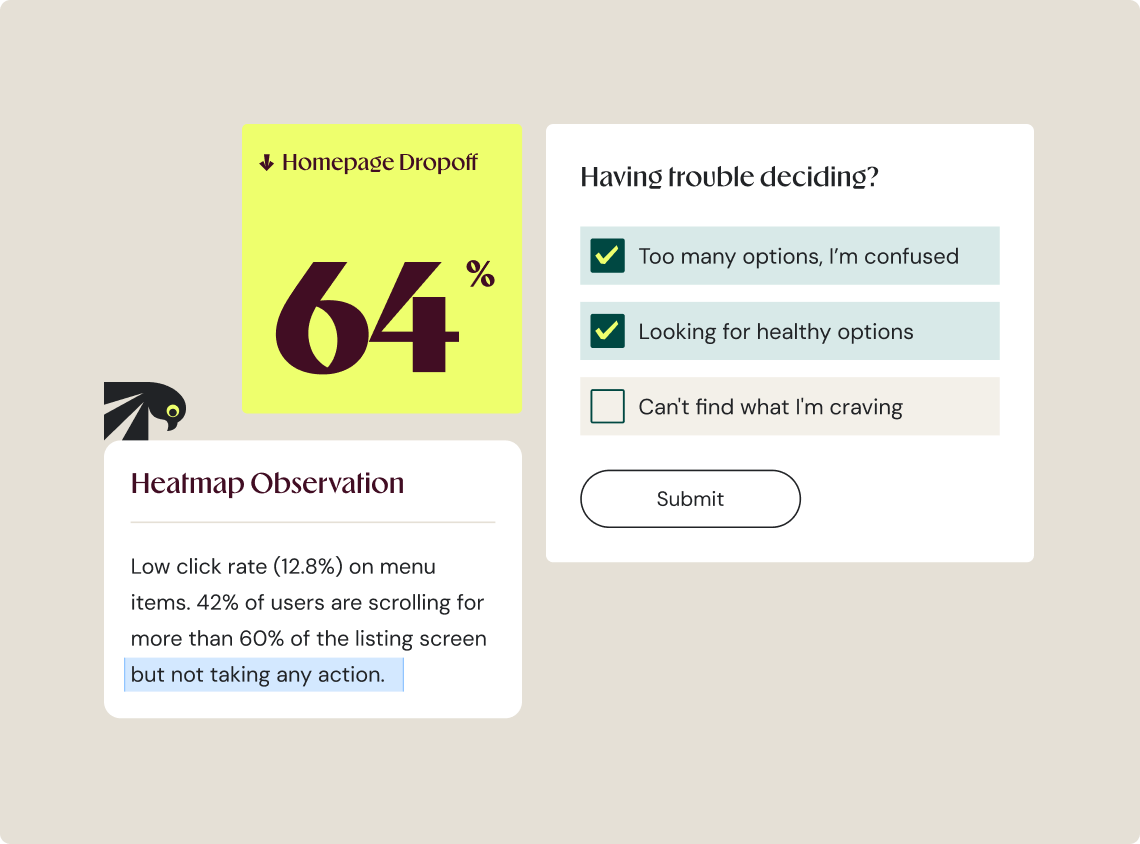
Every angle on the page. Clickmaps, scrollmaps, and zonal maps that surface rage clicks and dead clicks on their own. Run any of them for a single segment, or put them side by side.
Recordings, funnels, forms, and surveys together. Replay session recordings to track drop-offs and find the reason using surveys, and let AI summarize the findings. Web and app, one dataset. All of it works in native and hybrid apps too.
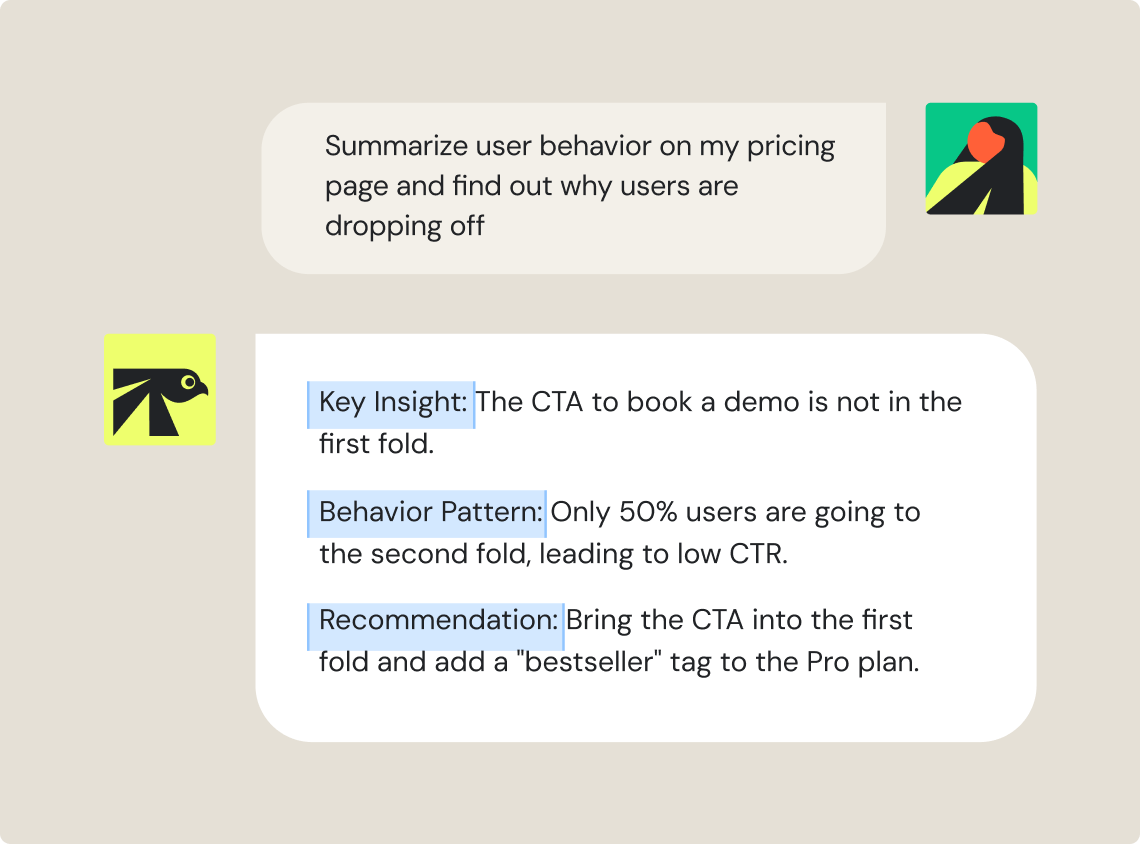
Wingz is built into the foundation of Wingify, so it already knows your heatmaps, recordings, funnels, and campaign results. Nothing starts from a blank prompt.
Build your own agents or pick a prebuilt one for recurring work like campaign analysis, segment breakdowns, draft QA, or reporting. Connect them into workflows with triggers and actions.
For Mouseflow, its AI only reads session replays.
Mouseflow offers continuous recording with no sampling on all tools regardless of plan, while Wingify samples across session replay, heatmaps, funnels, forms, and surveys. Wingify captures whole journeys from a representative sample instead of fragments from all of them.
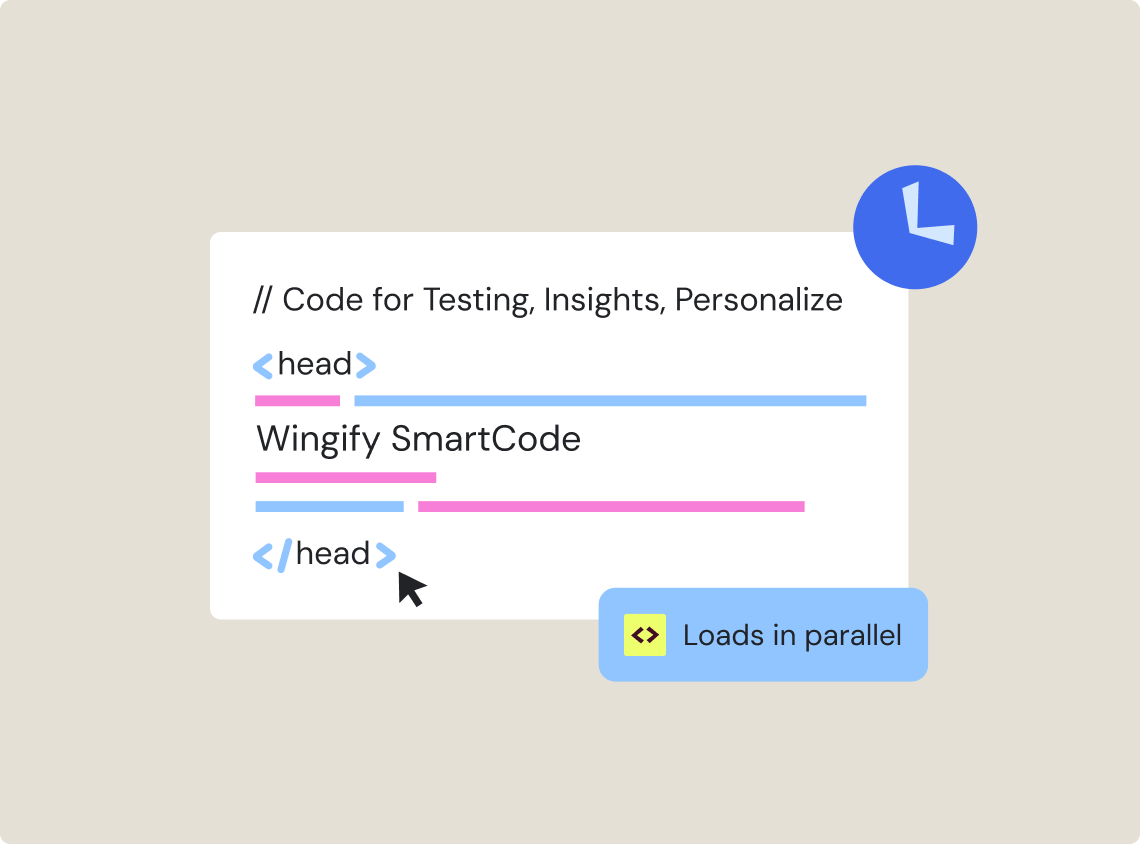
Mouseflow reports the average load time of the pages it tracks. What it doesn’t report is what its own script adds to them.
Wingify publishes what our own snippet does to your Core Web Vitals, in real time on desktop and mobile, including metrics such as First Contentful Paint, Largest Contentful Paint, Total Blocking Time, and Cumulative Layout Shift, measured with and without the code.
Mouseflow helps with observation. Wingify observes and acts.
| Mouseflow |
 |
|
|---|---|---|
| What it is | Behavioral Analytics | Behavioral analytics, testing, personalization, and feature management in one platform |
| Coverage | Web and mobile web browsers | Web, plus native and hybrid apps |
| AI layer | Mina AI reads and reports (in beta, for session replay only) | Wingz: agents and workflows that act across the loop |
| Support | Chat and email | Chat, email, quick human support, dedicated CSM |
| Security | Certifications cited at data center level | ISO 27001, 27701, 27017, 27018, SOC 2 Type II, PCI DSS, GDPR, HIPAA |
| Feature | Mouseflow |
|
|---|---|---|
| Behavioral Insights | ||
| Session recordings | ||
| Side by side heatmap comparison | ||
| Funnel analysis with session replay of drop-offs | ||
| Form analytics | ||
| On-site surveys and feedback | ||
| AI analysis of open-text survey responses | ||
| Friction and error detection | ||
| Experience scoring by page and segment | ||
| Mobile app recordings and heatmaps | ||
| Native audience sync from CRM, CDP, or GA4 | Via custom variables and integrations | |
| Experiment, Personalize, Feature Management | ||
| A/B, multivariate, and server-side testing | Requires integration with a third-party tool | |
| Personalization | ||
| Feature flags and progressive rollouts | ||
| AI across heatmaps, funnels, forms, and surveys | ||
| Custom agents and workflows | ||
| Test idea generation from behavioral data | ||


Free for 30 days. No credit card required.
Talk to a sales representative
Your dedicated Wingify representative will be in touch shortly to set up a time.
at

Increase in Trial activation