Travel & Hospitality

TAP Air Portugal Tested Header Login Icon and Text on Wingify to Lift CTA Clicks
+ 5.38 %
login CTA clicks

A Side-by-Side Comparison
Optimizely built its name on experimentation while Adobe Target built its name on personalization. Wingify brings behavior insight, testing, personalization, and AI-powered automation across the optimization loop into one platform. Three strong contenders and one question: which one helps your team find the problem, prove the fix, and act on it?
Let’s walk through it.
A test without a reason behind it is a guess. So where does the reason come from?
Optimizely doesn’t record visitor behavior on its own that can be used to form hypotheses for experience optimization. Teams plug in Microsoft Clarity, Mouseflow, or Contentsquare to get heatmaps, recordings, and form data.
Adobe Target tells you which variation won, but post-test behavior analysis requires Contentsquare, Mouseflow, or Clarity. Visitor feedback requires another vendor like Qualtrics or SurveyMonkey. In both setups, your team owns the integration work.
Wingify captures this data itself. It includes heatmaps, recordings, funnels, form analytics, and on-site surveys. So the insight that sparks a hypothesis sits next to the test that proves it, and personalization follows from the same place.
Slow pages and flickering cost conversions. So it’s fair to ask what each tool does to your load time.
Optimizely advises placing its Web Experimentation snippet at the very top of the head and loading it synchronously, before your stylesheets and analytics.
Adobe Target’s at.js pauses page rendering by default while it waits on Adobe, and switching to async is a manual process. Adobe has flicker management and edge delivery in progress.
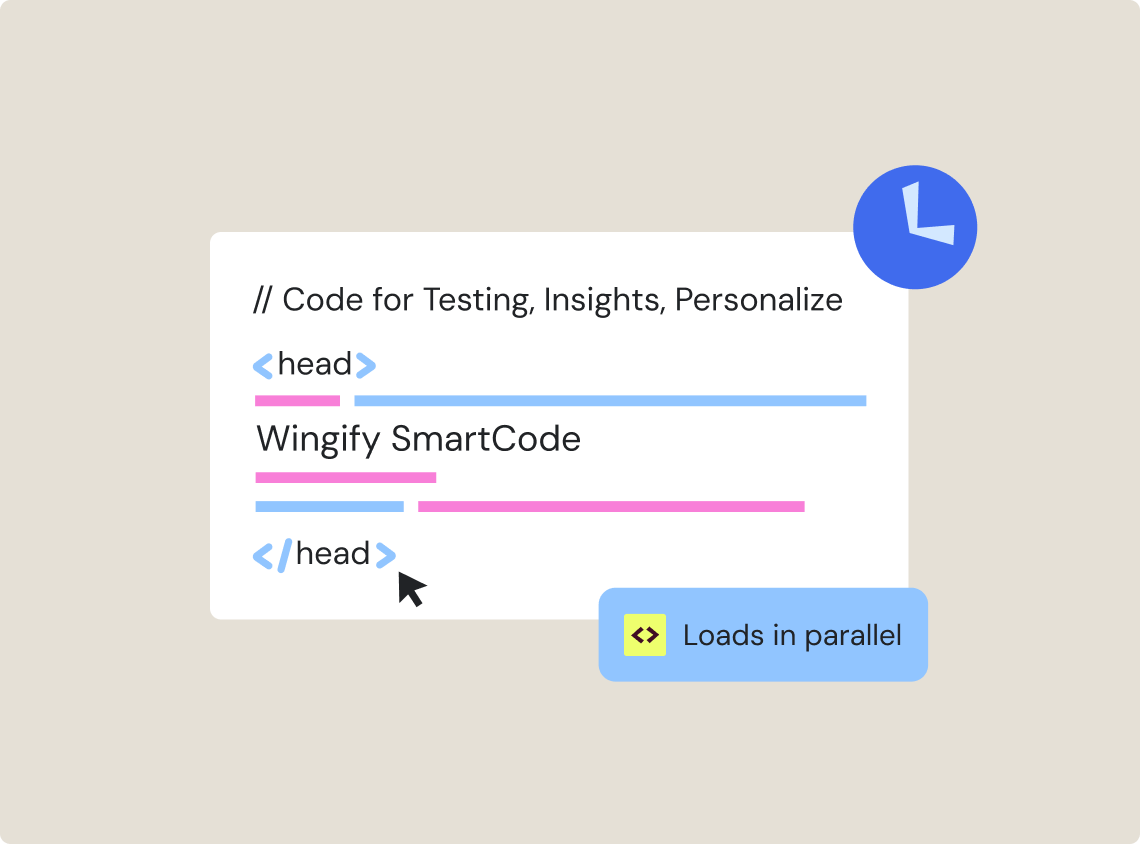
Wingify needs one async SmartCode for testing, insights, and personalization together. Also, the Performance tab compares your Core Web Vitals with and without SmartCode, so you can see the impact yourself instead of taking our word for it.
Optimizely’s AI, Opal, can plan experiments, write variations, and report on how your program is doing.
Adobe’s AI, Sensei, powers Target’s auto-traffic allocation, auto-targeting, and automated personalization, and it can also create website experiences with AI.
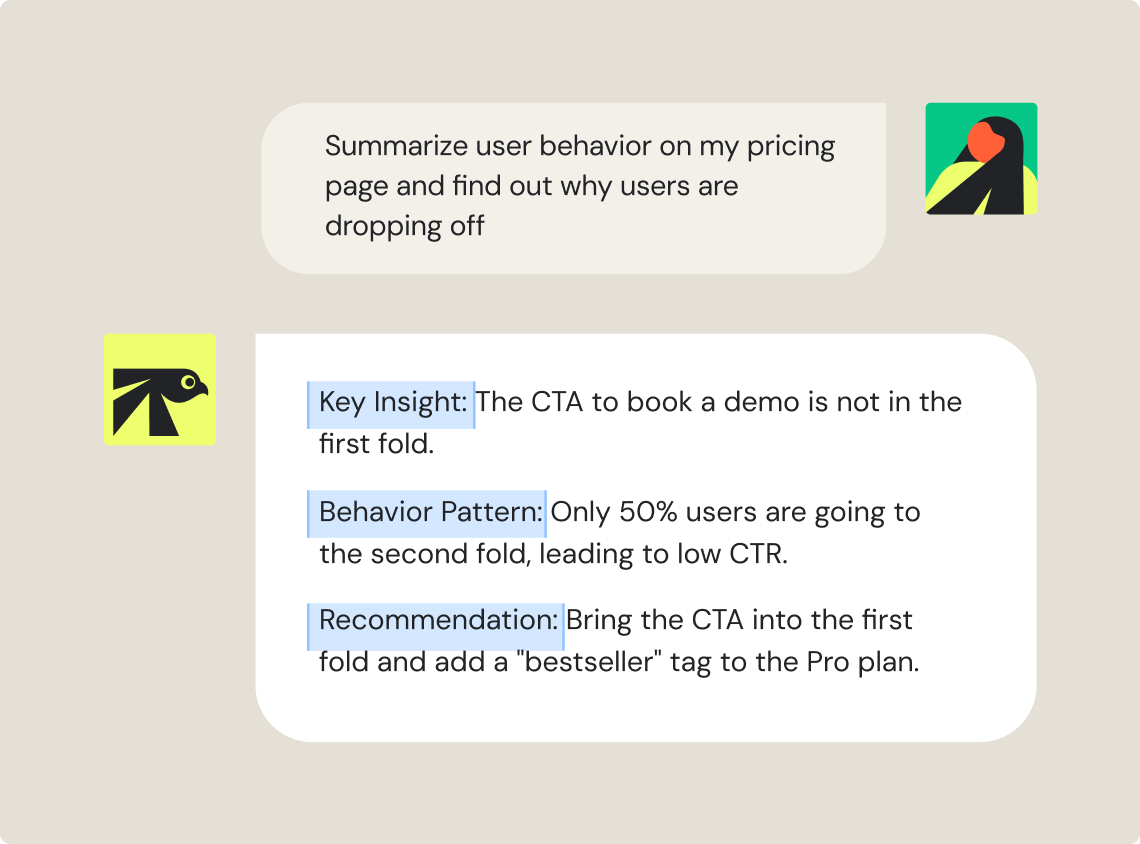
Wingify’s AI, Wingz, summarizes heatmaps, session recordings, and campaign results, suggests test ideas, and runs custom or pre-built agents that you can chain into automated workflows. And since AI is only as sharp as the data it reads, this is where the difference shows. Wingz combines behavior data and test results, so its insights explain what changed and why visitors acted the way they did.
Optimizely handles apps through feature flags and A/B tests on its iOS and Android SDKs.
Adobe Target runs app tests and personalization through the Adobe Experience Platform Mobile SDK.
Wingify records user behavior in the app natively. You get app heatmaps, session recordings, and funnels, with SDKs for Swift, Kotlin, Java, Flutter, and React Native, and the app stays light. Find where users get stuck, test a better version, roll it out, and tailor the experience, all from one account.
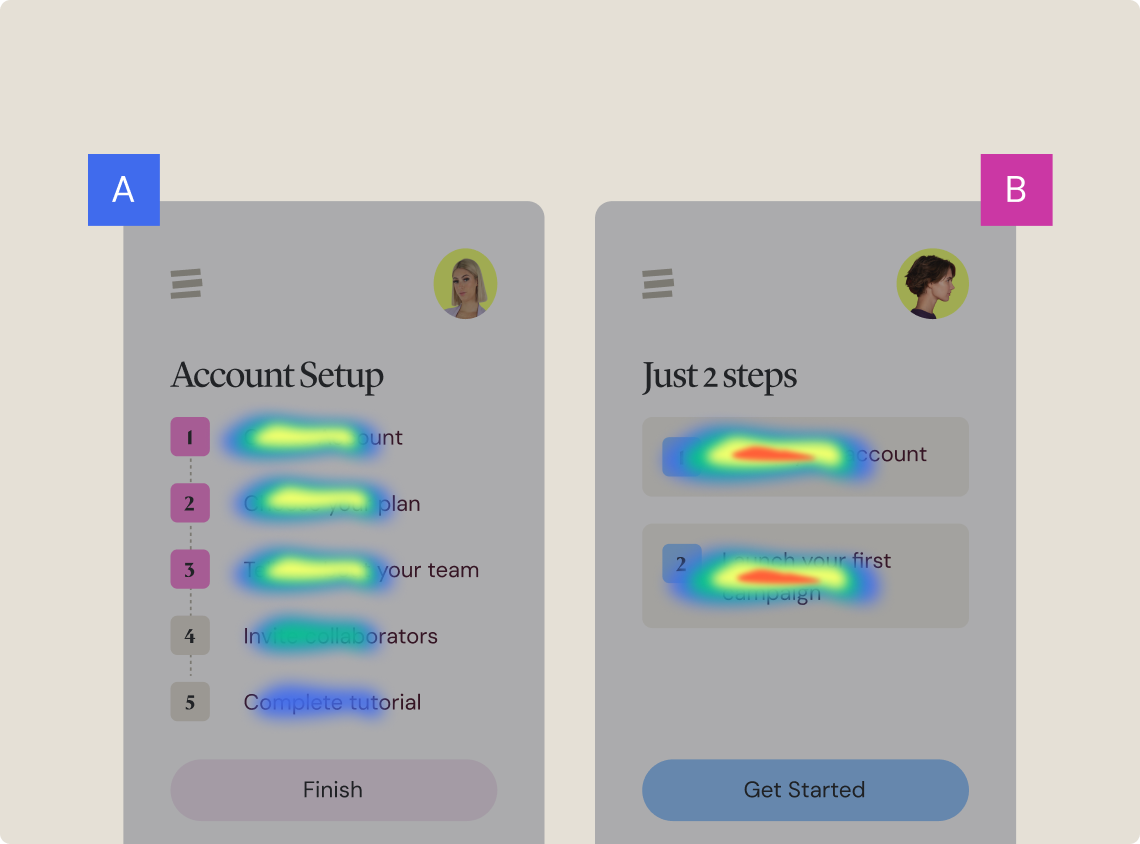
Teams invested in Optimizely’s DXP or Adobe’s ecosystem have good reasons to stick with them. If you’d rather keep behavior data, experiments, and AI under one roof across web, apps, and server-side, Wingify fits better.
| Optimizely | Adobe Target |
 |
|
|---|---|---|---|
| User behavioral insights | Needs connectors such as Clarity, Mouseflow, or Heap | Numbers from Adobe Analytics or CJA, behavior data from outside tools | Heatmaps, recordings, funnels, form analytics, and surveys built in |
| Implementation & page load | Synchronous snippet that pauses rendering by default. Plus, extra tags needed for behavior analytics tools. | at.js waits on Adobe by default, with extra scripts for behavior data | One async SmartCode, with its Core Web Vitals impact visible in-app |
| AI layer | Opal agents and workflows, without native behavior data | Sensei works on statistical and journey data | Wingz works on behavior and test data from the same platform |
| Heatmap & recording summaries | Not available natively | Not available natively | Wingz summarizes both |
| User feedback capture | No built-in surveys | No built-in surveys | On-site surveys, with Wingz analysis |
| Mobile app optimization | Flags and A/B tests via SDK, no app heatmaps or recordings | Tests and personalization via mobile SDK | App heatmaps, recordings, and funnels built in |
| MCP for behavioral insights | Not available | Not available | Sends behavior data to the tools you choose |
| AI-assisted campaign creation | Campaign ideation, variation creation, and post-analysis | Generates experiences only | Tell it the goal, page, and audience, and it sets up a draft campaign |
| How you buy | Customize plan as per the digital needs | Part of Adobe Experience Cloud | Modular, so you add products when you need them |
From quick website wins to large-scale programs, thousands of organizations run their optimization on Wingify, with testing, behavior insights, feature management, and AI in one place.
Wingify is a strong alternative for teams that want behavior analytics, testing, personalization, and AI in one platform. It covers websites, mobile apps, and server-side experiments, so you don’t need separate tools for insight and testing.
No, neither offers native heatmaps or session recordings. Teams usually connect third-party tools like Microsoft Clarity, Mouseflow, Heap, or Contentsquare to get that data.
Neither platform has built-in on-site surveys, so teams typically add a tool like Qualtrics or SurveyMonkey. Wingify includes native on-site surveys, and Wingz AI can analyze the responses.
Sensei focuses on traffic allocation, targeting, personalization, and experience creation, while Opal plans experiments, writes variations, and reports on program health. Wingz AI also reads native heatmaps, session recordings, funnels, and campaign results, and runs agents you can chain into automated workflows.
Optimizely recommends loading its snippet synchronously at the top of the head, and Adobe Target’s at.js holds page rendering by default until Adobe responds. Adding a separate behavior analytics script on top of either one adds more weight to the page.
Adobe Target and Optimizely often need extra tools and integrations to cover the full optimization cycle, which adds setup work. With Wingify, marketers can describe what to optimize, where, and for whom, and Wingz AI sets up a draft campaign, all from one platform.
Teams start by adding Wingify’s single SmartCode to their site and picking the modules they need first. From there, they can add behavior analytics, surveys, mobile app SDKs, and AI as their program grows.
Free for 30 days. No credit card required.
Talk to a sales representative
Your dedicated Wingify representative will be in touch shortly to set up a time.
at

Increase in Trial activation