Your app is live, downloads are rolling in, and users are signing up. But then—silence. Engagement drops, churn rises, and you’re left wondering: What went wrong?
The truth is, your app is only as good as the experience it delivers—and without the right insights, you’re flying blind. Are users abandoning the onboarding flow? Struggling with navigation? Encountering crashes?
With over 72% of online sales happening on mobile, every lost user means missed revenue. App analytics tools don’t just give you data; they reveal the “why” behind user behavior, helping you fine-tune performance, optimize conversions, and keep users coming back.
With countless analytics solutions out there, which one fits your needs best? We’ve done the legwork and rounded up seven tools that are free to get started with—so you can jump in, uncover what’s working (and what’s not), and make smarter decisions without any upfront investment. Let’s dive in!
What are mobile app analytics tools?
Mobile app analytics tools track and analyze user interactions, app performance, and marketing effectiveness, helping businesses and developers understand where users click, which features they engage with, why they churn, and how campaigns perform.
These tools typically provide:
Real-time data and session tracking
Conversion analysis and funnel visibility
In-app event monitoring
A clear view of the customer journey
How we evaluated these tools
Our evaluation methodology is based entirely on secondary research. Each tool was assessed using official product documentation, publicly available feature information, and third-party user reviews from sources like G2 and TrustRadius.
The order in which tools appear and the way they are described reflects only what each tool actually offers based on these sources, with no bias toward any particular platform. We recommend taking advantage of free trials wherever available before making any final commitment.
Some tools were not included because they either require upfront payment or offer only limited free trials. This guide focuses on tools that provide a free tier.
Four dimensions guided the evaluation of every tool in this guide:
Mobile-first capability: Whether the tool offers strong native iOS and Android support through dedicated SDKs
Free tier usefulness: How much genuine value the free plan provides without requiring an immediate upgrade
Analytics depth and specialization: Whether the tool focuses on quantitative event tracking, qualitative behavior analytics, product analytics, or error and performance monitoring
Data privacy and compliance: Whether the tool offers self-hosted options, GDPR and CCPA compliance, and data ownership controls
Best free mobile app analytics tools: Quick picks
With seven tools covering everything from foundational event tracking to qualitative session replay, finding the right starting point can feel overwhelming. Here are our top picks across four key decision dimensions to help you get started faster.
Category
Tool
Why we picked it
Best overall
Firebase
The most widely used free mobile analytics foundation, offering unlimited event tracking, crash reporting, performance monitoring, and A/B testing.
Best for behavioral insights
Amplitude
Strong fit for understanding how users behave over time, with cohort analysis, retention reporting, funnel analysis, and session replay.
Best for session replay and debugging
LogRocket
Purpose-built for teams that need to understand exactly what users experienced when something went wrong, combining pixel-perfect session replay with network logs, error tracking, and Galileo AI.
Best for qualitative mobile insights
UXCam
The most purpose-built option for understanding the why behind mobile user behavior, with gesture heatmaps, tagless autocapture, screen flow analysis, and Tara AI.
7 Best free mobile app analytics tools: Quick glimpse
Tara AI analyst for session analysis and friction detection
Custom pricing based on session volume
Purpose-built mobile analytics combining qualitative session replay and heatmap insights with quantitative funnel data
4.6/5 based on 211 reviews
Note: The Free Plan column uses different units across tools. Some tools measure by events while others measure by sessions. Events and sessions are not directly comparable units. See FAQ 3 for more context on this difference.
7 Top free mobile app analytics tools: Detailed review
Disclaimer: The pros and cons listed are based on reviews and feedback from third-party sites such as G2, TrustRadius, and other sources.
1. Firebase (Google Analytics)
What it does
Firebase is a comprehensive mobile and web application development platform by Google. It provides a free, event-based analytics solution with unlimited event tracking that tracks user behavior across iOS and Android apps, capturing everything from first opens and session starts to in-app purchases and custom events.
Beyond analytics, Firebase covers the full app lifecycle from pre-release testing and crash monitoring to remote configuration and A/B testing, making it a foundational platform for mobile teams.
Key features
Google Analytics for event reports that help teams understand how users interact with the app, with automatic tracking of core lifecycle metrics like first opens, session starts, and in-app purchases
Crashlytics for real-time crash reporting that groups crashes and highlights the circumstances leading up to them
Performance monitoring for insights into app health and speed from the user’s point of view to address latency issues
Remote config to change app behavior and appearance without requiring users to download an update
A/B Testing to run, analyze, and scale product and marketing experiments directly within the platform
Firebase Test Lab to run apps against a wide range of hosted devices for quality testing before distribution
App Distribution for distributing builds to trusted testers quickly with automatic stability metrics from Crashlytics
Cloud Messaging and In-App Messaging for targeted, contextual messages that engage active users based on their behavior
BigQuery integration for raw data export and advanced analysis on the pay-as-you-go Blaze plan
Pros
Simplifies app development by handling backend infrastructure, real-time data syncing, user authentication, and performance monitoring.
Scalable and cross-platform, with a serverless approach that adapts to app growth while ensuring consistency across iOS, Android, and the web.
Cons
Real-time data may occasionally show inconsistencies.
Advanced analytics features are limited compared to specialized platforms.
Best for
Free, scalable foundation for event tracking, crash monitoring, performance measurement, and Google ecosystem integration
Pricing
Free forever on the Spark plan with unlimited analytics events
The Blaze plan is pay-as-you-go and unlocks additional services
Free trial
New Google Cloud users get a 90-day trial with $300 in free credits
User rating
4.5/5 on G2 based on 307 reviews
A customer experience as per G2 reviews:
Firebase makes it very easy to build and launch applications without spending a lot of time on backend setup. I particularly like the seamless integration of services such as Authentication, Cloud Messaging, Analytics, and Crashlytics, which helps me develop, monitor, and improve my apps from a single platform. The real-time data synchronization and detailed analytics also make it easier to deliver a better overall user experience.
Sumisha J. Senior Software Enginee
2. Amplitude
Amplitude is an AI-powered product and web analytics platform that unifies behavioral analytics, experimentation, and in-app engagement in a single workflow. For mobile app analytics specifically, it provides native SDKs for iOS, Android, React Native, Flutter, and Unity, enabling teams to track every user action across platforms in one unified view.
Key features
Cross-platform behavioral analytics covering iOS, Android, mobile web, and desktop in one unified view using the Amplitude ID identifier
Cohort analysis and retention reporting to understand which behaviors predict long-term engagement and where users drop off
Session replay for web and mobile that connects visual replays directly to analytics
Feature experimentation and feature flags with unlimited flags on all plans for safe rollouts and targeted feature releases
Web experimentation with a visual editor for A/B testing without code changes
Guides and surveys for in-app messaging, onboarding flows, and targeted feedback collection based on user behavior
AI-powered analysis including anomaly detection, forecasting, and AI-based session replay summaries
Pros
Amplitude Analytics is very fast, allowing users to create charts and dashboards almost instantly, even during live discussions.
The tool is highly flexible, supporting custom metrics, detailed segmentation, and integrations with tools like Customer.io and Intercom.
AI-powered features and natural language querying make it easier to derive insights quickly.
Cons
Logs and certain data views can take up to 30–60 seconds to load, impacting real-time usability.
Complex analyses involving multiple cohorts, segments, and calculated metrics can be difficult to interpret correctly.
Best for
Unified platform for behavioral analytics, experimentation, and in-app engagement without managing multiple separate tools
Pricing
Free Starter plan includes 2 million events per month, session replay, unlimited feature flags, web experimentation, and AI feedback.
Free trial
No free trial available
User rating
4.5/5 on G2 based on 2908 reviews
3. Mixpanel
What it does
Mixpanel is a product analytics platform that helps teams understand user behavior, track engagement, and improve retention across mobile and web applications. It helps teams combat low engagement and uninstall rates for mobile apps by understanding users and optimizing every touchpoint from install to loyal user.
It enables self-serve analytics with intuitive reports to pull data, build funnels, and analyze retention without engineering support. It combines fast querying with AI-powered analysis to deliver insights that drive confident product decisions.
Key features
Funnel analysis and retention analysis to identify where users drop off
Session replay for mobile that connects visual replays directly to analytics for faster debugging and prioritization
Track session length, feature usage, and user paths to uncover what drives engagement and where users drop off
Behavioral cohorts to identify shared traits among users who convert versus those who churn, with retention rates segmented across user groups
Error and crash analysis to identify specific user interactions that precede app crashes or errors to aid in debugging
Metric Trees to connect product strategy to company KPIs in one interactive view so teams can align faster and stay accountable
Experiments and feature flags to validate every release and confidently launch new features with measurable impact
Mixpanel AI for always-on product intelligence, natural language querying, and AI-powered data governance
Pros
Event-based tracking is highly flexible and helps teams understand user behaviour, journeys, and feature adoption in depth.
It enables self-serve analytics, allowing non-technical teams to analyse data and create reports without relying on SQL or engineering support.
Cons
Initial setup can be complex and time-consuming, particularly when deciding on tracking architecture and ensuring complete data coverage
API documentation is sometimes incomplete, making complex implementations harder for developers.
Best for
Self-serve funnel analysis, retention reporting, and behavioral cohorts without relying on data or engineering teams
Pricing
Free plan includes up to 1 million monthly events.
Free trial
No free trial available
User rating
4.5/5 on G2 based on 1372 reviews
4. PostHog
What it does
PostHog is an open-source all-in-one platform built to help engineers create better products. For mobile app analytics, it provides native SDKs for iOS, Android, React Native, Flutter, and Kotlin Multiplatform, enabling teams to track events, record sessions, evaluate feature flags, and run experiments across mobile platforms.
Key features
Product analytics with custom trends, funnels, user paths, retention analysis, and user cohorts, plus direct SQL querying for power users
Session replay showing exactly how users interact with the app, including event timelines, console logs, network activity, and 90-day data retention
A/B testing with up to nine test variations, auto-calculated test duration, sample size, and statistical significance
Feature flags with local evaluation for faster performance, JSON payloads, and instant rollbacks for safe feature releases
Error tracking that connects system errors and exceptions directly to the session recordings where they occurred
Surveys for in-app feedback collection triggered by user behavior
Pros
PostHog allows teams to move directly from analytics (funnels, trends, retention) to session replays, making it easier to understand the reasons behind user behaviour.
It’s an all-in-one platform that combines multiple tools like analytics, feature flags, and experiments, which simplifies workflows and reduces tool fragmentation.
Autocapture allows teams to start collecting useful data early without needing a fully defined tracking setup.
Cons
Performance issues can occur when querying large datasets or working with complex reports.
Advanced use cases require technical knowledge, which limits usability for non-technical teams.
Best for
Open-source platform replacing multiple analytics, experimentation, and observability tools with a single SDK
Pricing
Free tier includes 1 million analytics events per month
Free trial
No free trial available
User rating
4.5/5 on G2 based on 1054 reviews
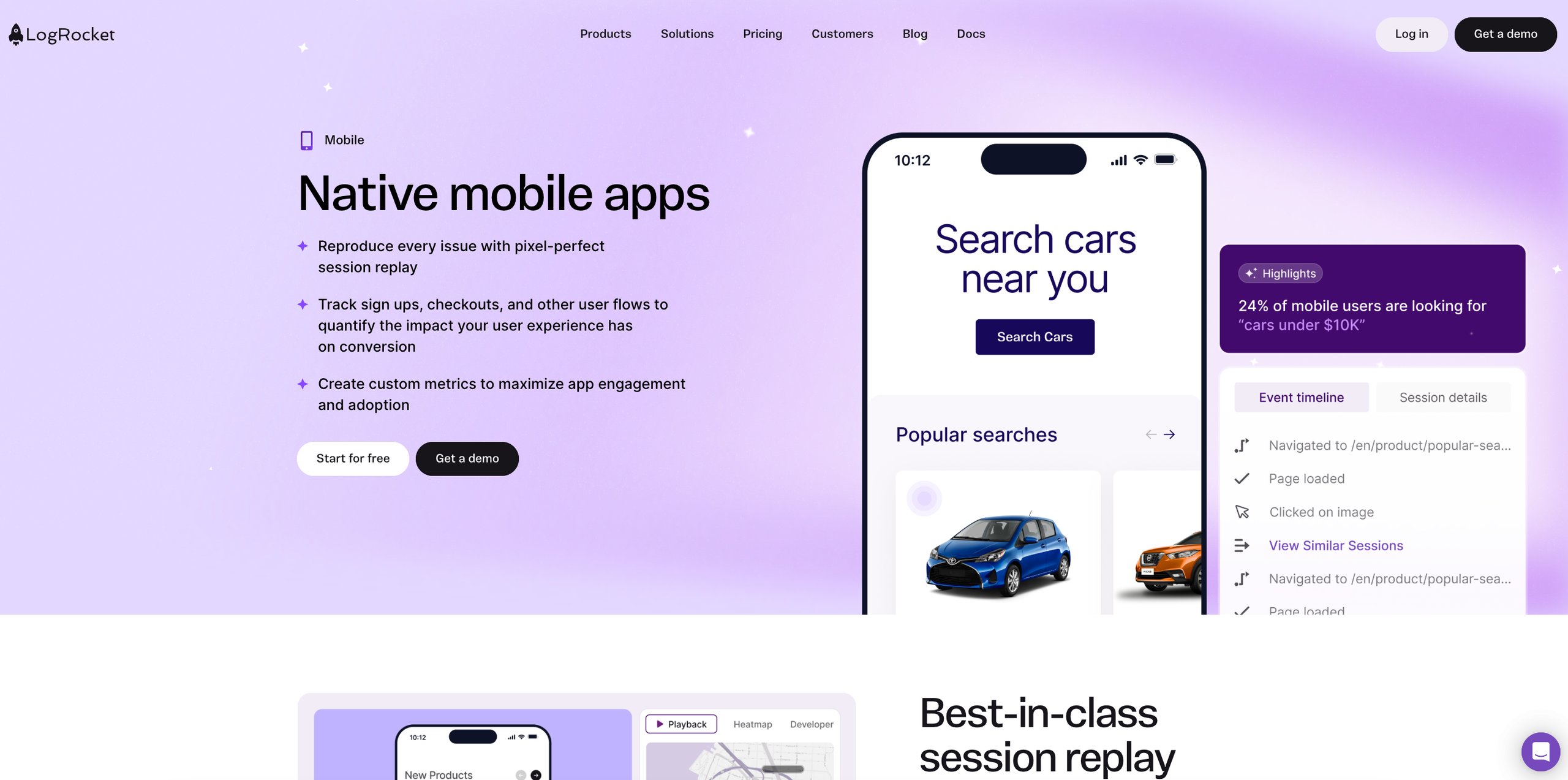
5. LogRocket
What it does
LogRocket is a product analytics platform that supports teams in understanding problems affecting users across web and native mobile apps. It combines pixel-perfect session replay with network requests, exceptions, and performance telemetry to give teams a complete picture of what users experience in their Android, iOS, React Native, Flutter, Ionic, and Expo apps.
Its Galileo AI cuts through the noise of legacy error tracking tools to surface the issues with the greatest impact on the app, helping teams prioritize problems affecting conversion rates, product usage, user experience, and overall app health before users have the chance to complain.
Key features
Pixel-perfect session replay for Android and iOS that captures exactly what users see alongside network requests, exceptions, console logs, and performance telemetry
Mobile performance monitoring capturing CPU and memory usage, app start times, device and app throughput, frozen frames, and crashes
Product and UX analytics including conversion funnels, charts, heatmaps, path analyses, clickmaps, rage-click maps, and time series tracking
Galileo AI that uses machine learning and large language models to surface the most impactful, actionable insights in natural language and detect anomalies automatically
Error tracking with AI-powered issue prioritization that surfaces issues affecting conversion rates, product usage, user experience, and overall app health
Autocapture of events, console logs, network activity, errors, warnings, crashes, and performance data without additional instrumentation
Surveys for capturing direct user feedback within the product
Pros
Galileo AI is consistently praised as a genuine differentiator that surfaces the right problems and shows how they behave over time, saving hours of manual session review
Session replay provides full context, including network and error data, which helps teams debug issues more efficiently.
Cons
Several advanced filters such as log message and element-based filters are locked behind higher-tier plans, limiting deep session analysis on lower tiers
Data cannot be processed before it is stored, which is a limitation for teams with strict data governance requirements
Best for
Pixel-perfect session replay combined with AI-powered error tracking and UX analytics to identify and resolve user friction
Pricing
Free tier includes 1,000 sessions per month.
Paid plans start at $83 per month
Free trial
A 14-day free trial is available with access to all features
User rating
4.6/5 on G2 based on 2407 reviews
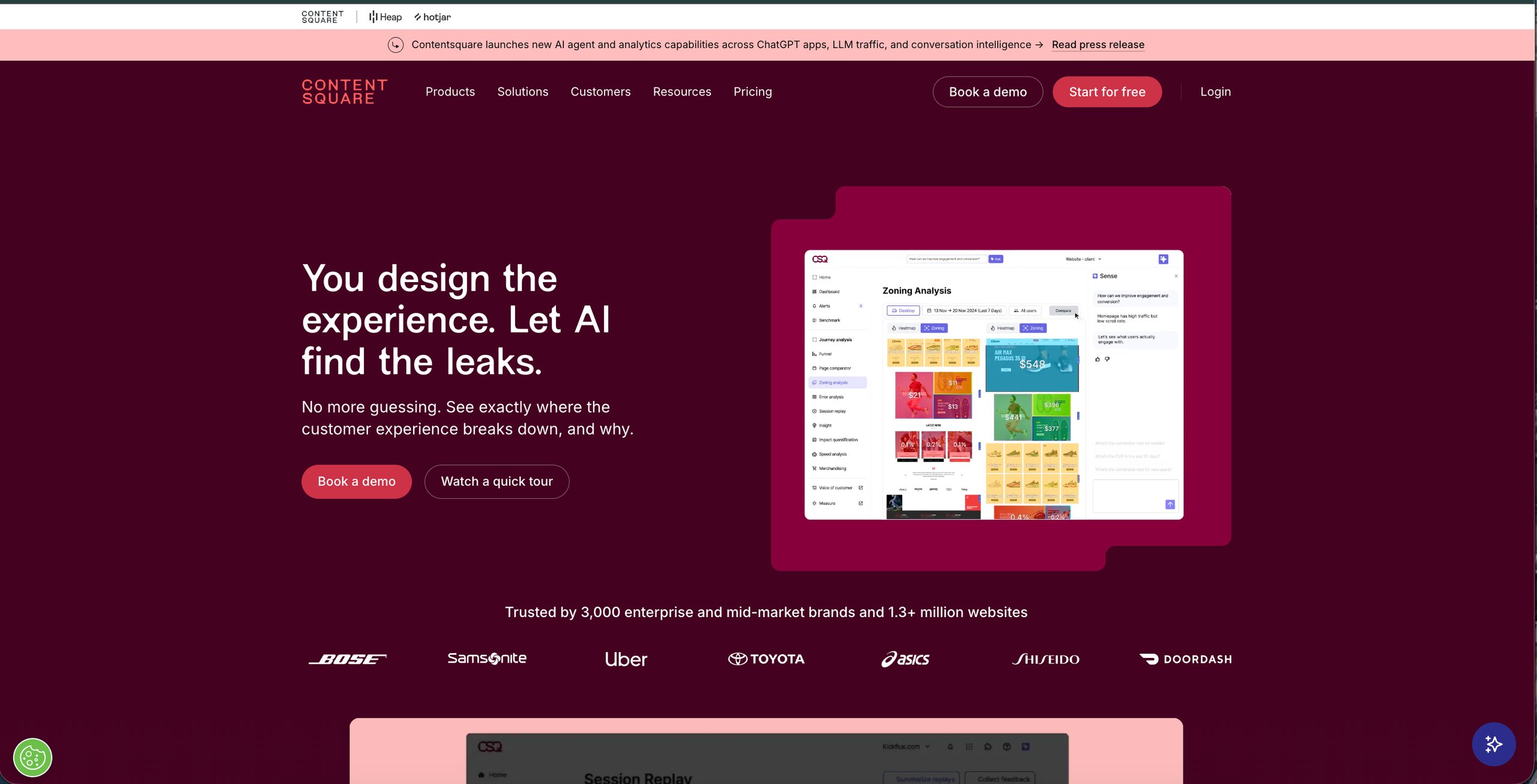
6. Contentsquare
What it does
Contentsquare is an AI-powered experience and product analytics platform that automatically captures complete user journeys across websites and mobile apps without manual tagging. It helps teams eliminate guessing by connecting on-screen interactions such as clicks, scrolls, and drop-offs directly to business outcomes and revenue impact.
Key features
Smart capture (auto-tagging) automatically records every user interaction without engineering support, enabling instant retroactive journey analysis
Sense AI & Copilot assistant proactively detects friction, summarizes session replays, quantifies business impact, and answers user queries in natural language
Advanced journey & funnel analysis visualizes complete cross-platform user paths across web and mobile to identify step-by-step drop-offs in onboarding, checkout, or feature activation flows.
Session replay & frustration tracking replays user sessions and visualizes heatmaps across devices to isolate specific friction signals like rage clicks, dead zones, and broken layouts.
Impact quantification engine ties every UX issue, technical bug, or A/B test directly to revenue, conversion rates, and long-term user retention metrics.
Voice of Customer captures real-time user feedback via targeted on-site surveys and leverages AI to summarize open-text responses and sentiment patterns.
Pros
The platform has a visual and intuitive interface that helps teams quickly identify usability issues and friction points.
AI-powered features such as summaries and anomaly detection save time by highlighting key insights automatically.
Cons
Customer support and CSM engagement can sometimes be slow or not proactive enough.
Certain features like page mapping, zoning, and advanced reports can be time-consuming and complex to set up.
Best for
AI-powered experience analytics combining session replay, heatmaps, and journey analysis across web and mobile
Pricing
Free plan up to 200,000 monthly sessions
Paid Growth plans start at $49/month
Free trial
Contentsquare offers a 15-day free trial
User rating
4.6/5 on G2 based on 640 reviews
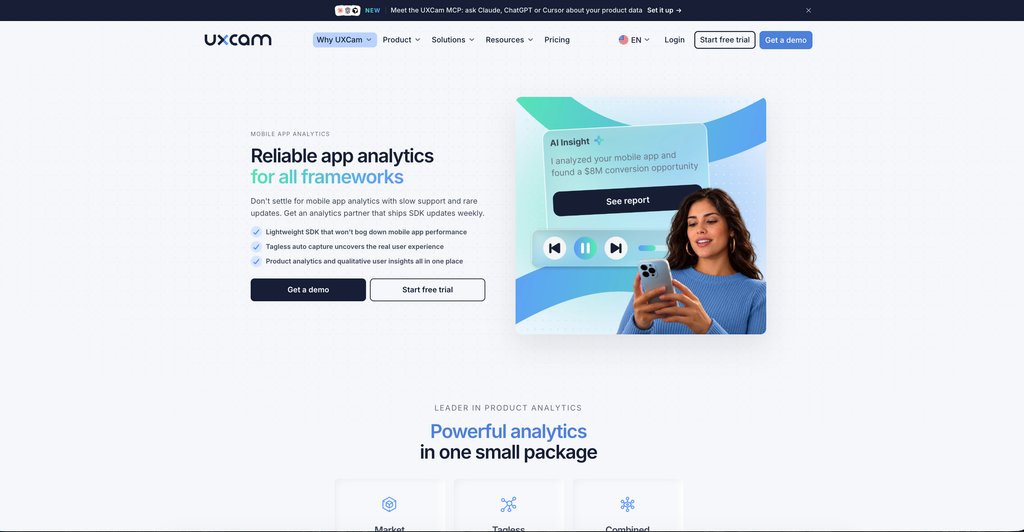
7. UXCam
What it does
UXCam is a product analytics platform with an integrated AI analyst, built specifically for mobile apps and websites. It combines qualitative and quantitative analytics in a single workflow, allowing teams to see not just what users did but why they did it.
It covers the full spectrum of mobile user behavior from session replay and gesture heatmaps to funnel analysis, issue tracking, and retention analytics, all accessible through a single lightweight SDK.
Key features
Tagless autocapture through a lightweight SDK that captures user interactions including every scroll, swipe, tap, rage tap, zoom, and unresponsive gesture, technical issues including UI freezes, crashes, app logs, and error logs, and screen properties including name, size, resolution, device, user property, location, and app version
Session replay that captures video recordings of user sessions in a privacy-compliant way, with filtering by rage taps, quit rates, or crash counts to surface the most relevant recordings without watching everything
Gesture heatmaps that visualize where users tap, swipe, and focus attention on every screen, segmented by user behavior and frustration signals like rage taps
Funnel analytics to identify where and why users drop out of key flows, with the ability to click on any drop-off point and watch matching session replays to understand the why
Screen flow analysis to track how users navigate through the app, identify unusual navigation patterns, and use reverse flows to find screens where users quit
Issue analytics to detect and address crashes, bugs, and UI freezes in real time with session replay context attached to every issue for faster debugging
Tara AI analyst that surfaces expert-level answers from session data in seconds, reducing the time teams spend manually reviewing recordings
Pros
The platform helps teams identify issues, crashes, and friction points quickly, which improves debugging and product decisions.
Responsive customer support is consistently praised, with fast responses and hands-on assistance that makes getting value significantly easier
Cons
Support for multiple languages and more advanced data visualization options is limited.
Certain permissions and access controls can be limiting for team collaboration.
Best for
Purpose-built mobile analytics combining qualitative session replay and heatmap insights with quantitative funnel data
Pricing
Free plan with 3000 monthly sessions
Paid pricing is based on monthly session volume and is available on request through a custom quote
Free trial
UXCam offers a 14-day free trial with full feature access.
User rating
4.6/5 on G2 based on 211 reviews
Why are mobile app analytics important?
To understand the importance of mobile app analytics, let’s consider an example. Imagine ShopEase, an e-commerce app experiencing high drop-off rates, a decline in daily active users, and low average order value. Mobile analytics show that users struggle with navigation, abandon carts, and encounter checkout crashes.
Without mobile app analytics, diagnosing the reasons behind the underperforming metrics would be challenging. By leveraging mobile analytics, ShopEase gains actionable insights, optimizes the app, and improves both user experience and key app metrics. Here’s how:
1. Enhancing user experience
ShopEase discovers through session recordings and heatmaps that users struggle to find product categories. A redesigned navigation layout makes browsing easier, increasing click-through to the app’s product screen by 20%.
2. Boosting retention & engagement
Funnel analysis and cohort reports reveal that many first-time users leave without returning to the app. By introducing personalized push notifications and loyalty rewards, ShopEase saw a 30% increase in repeat visits.
3. Optimizing marketing efforts
Attribution tracking shows that some ad campaigns bring more engaged users than others. By reallocating ad spending to the most effective channels, ShopEase improved its return on ad spend (ROAS) by 40%.
4. Increasing app revenue
Metrics revealed a rise in cart abandonment, prompting further investigation. Session recordings identified crashes during checkout, showing exactly where users dropped off. With crash reports and performance monitoring, the issue was quickly diagnosed and resolved, leading to a 25% increase in completed transactions.
With mobile app analytics, ShopEase turns friction points into opportunities, enhancing user experience, refining marketing strategies, and driving business growth. Whether it’s identifying usability issues, optimizing retention, or fixing technical problems, mobile analytics can provide the data-driven insights necessary for success in a competitive mobile landscape.
Which free mobile app analytics tool should you choose?
Choosing the right free mobile app analytics tool depends entirely on your specific needs and priorities. Different tools offer various features, and the best fit for your app will depend on what insights you need and how you plan to use them. Here are some key factors to consider:
User behavior tracking – If understanding user interactions, engagement patterns, and drop-off points is a priority, UXCam and LogRocket are the strongest options.
Attribution & marketing analytics – If measuring ad campaign effectiveness and user acquisition is essential, choose a platform with attribution tracking, real-time campaign insights, and audience segmentation.
Performance monitoring – If app stability and performance are your main concerns, opt for a tool that provides crash reports, error tracking, and load time analysis. Firebase covers crash reporting and performance monitoring.
Privacy & compliance – If your app deals with sensitive user data, select a tool with built-in privacy features, data masking, and compliance with regulations like GDPR and CCPA. PostHog and UXCam are both good examples.
Integration & scalability – If you need seamless integration with other tools or plan to scale, ensure the platform supports cross-platform tracking, API access, and compatibility with cloud databases.
Before making a decision, it’s essential to evaluate the features that align with your business goals, app type, and data collection needs. While many free tools provide valuable insights, some come with limitations on data retention, reporting depth, or advanced analytics, making it important to choose a solution that supports your long-term growth.
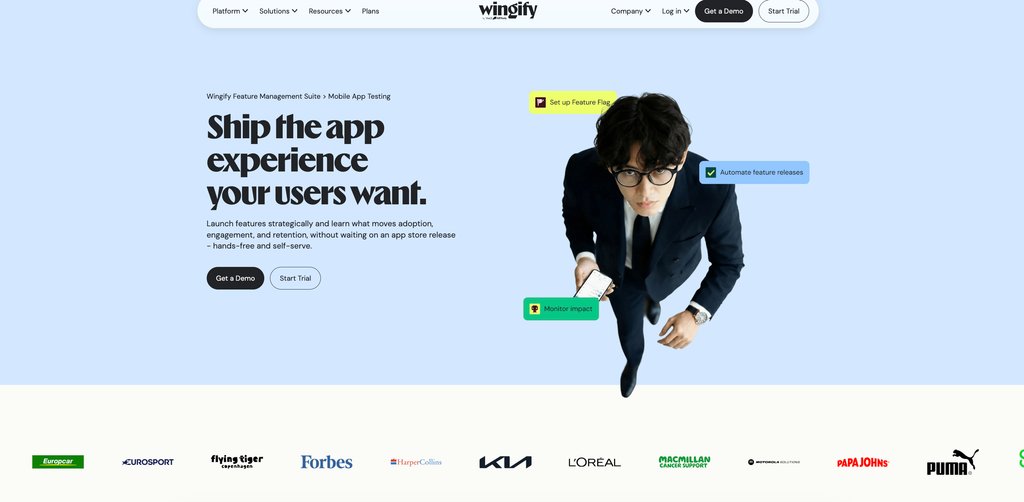
If you’re looking for a mobile app analytics tool that not only tracks user behavior but also delivers actionable insights and testing capabilities, Wingify is a solution worth exploring.
Wingify for mobile app analytics and testing
Wingify provides powerful mobile app analytics that help businesses understand user behavior and identify friction points in apps. But it doesn’t stop at analytics; it enables teams to test, experiment, and optimize app experiences. By combining behavioral insights with testing, businesses can validate changes, improve usability, and drive higher engagement and conversions with confidence.
Wingify Analytics Suite
Understanding how users interact with your app is crucial for delivering a seamless experience. Behavior analytics plays a key role in tracking and analyzing user actions, providing insights into what drives engagement, frustration, or drop-offs.
1. Session recordings: Capture user interactions, scrolls, swipes, taps, and navigation flows, helping businesses uncover usability issues and engagement bottlenecks.
They reveal friction points leading to app abandonment, streamline issue resolution by eliminating guesswork, and enhance UX research with real user insights. By sharing session data, teams can collaborate more effectively and make data-driven product improvements.
2. Heatmaps: Track where users tap on the screen to identify areas of high and low engagement. They help businesses understand user attention, optimize CTA placements, and identify UI clutter that may hinder engagement.
Insights from heatmaps support hypothesis testing for redesigns, helping businesses enhance conversions, improve retention, and create a more seamless in-app experience.
3. Funnel analysis: Identify drop-off points to understand barriers to conversion, whether it’s an unclear call to action, a slow-loading screen, or a confusing checkout process. By analyzing user journeys, businesses can reduce churn, optimize experiences, and drive app growth.
Pro Tip!
Filter sessions by crashes, rage taps, or ANRs to instantly surface friction points and streamline issue resolution.
Mobile app dashboard in the Analytics Suite
It provides a unified view of user friction, highlighting crashes, ANRs, and rage taps across sessions and user segments. With one-click access to session recordings, teams can quickly identify, prioritize, and resolve issues. The dashboard also offers user segmentation-specific insights and crash analysis, helping businesses track trends, diagnose problems, and optimize app performance efficiently.
Wingify Experimentation Suite
Insights from user behavior analytics further help teams identify friction points and form data-backed hypotheses for their next A/B test. With Wingify Mobile App Testing, you can then experiment with everything from UI changes like CTAs and banners to server-side logic and in-app algorithms—all aimed at improving engagement, retention, and conversions.
Let’s take a hypothetical example of a food delivery app that notices a higher-than-expected drop-off rate at checkout. Despite offering discounts and a seamless order process, many users may be abandoning their carts before completing their orders. To improve conversions, the team might turn to Wingify’s mobile app analytics for insights.
Using heatmaps and session recordings, they may discover that users hesitate on the payment screen, often tapping repeatedly on the “Apply Coupon” button, possibly leading to rage taps or leaving the app, perhaps to search for discounts. Funnel analysis could indicate a spike in drop-offs at this stage, suggesting friction in the checkout experience.
To address this, the team might run an A/B test using Wingify:
Variation A: Introduces an “Apply Best Coupon” feature that automatically selects the highest discount, showing exactly how much you saved.
Variation B: This shows all available discounts right on the checkout page with the savings amount for each, letting you pick one with a single tap instead of entering coupon codes.
After two weeks, the results may reveal:
Variation A leads to a 28% increase in completed transactions, as users appreciate the automated discount feature.
Variation B improves engagement but results in a slightly lower boost in conversions (12%).
With these data-backed insights, the team may choose to implement Variation A, simplifying the discount process and potentially reducing cart abandonment.
This approach isn’t just about checkout optimization; it’s about understanding user behavior, testing possible solutions, and making informed decisions. By leveraging Wingify’s app analytics and experimentation tools, app owners can transform the checkout experience into a frictionless, high-converting process.
We’re spending more and more time on improving our user experience to cater to mobile-first customers. We plan to use Wingify to observe mobile visitors, identify conversion leaks, and enhance customer journeys.
Jon Corwin Director of Growth Marketing at One Click Ventures
Additional features
Traffic Allocation
Advanced Targeting
Segmentation
Custom Events
Crash Analysis
Cohort Analysis
Wrapping up
Free tools are a strong starting point for understanding what is happening inside a mobile app. But as teams move from observation to optimization, the limitations of free tiers become harder to work around, with capped sessions, limited data retention, and no structured experimentation layer to validate fixes.
Wingify provides powerful mobile app analytics that help businesses understand user behavior and identify friction points in apps. But it doesn’t stop at analytics. Wingify is built for that next stage. It brings together everything teams need to act on:
Wingify Analytics Suite for session recordings, heatmaps, and funnel analysis to identify friction points across mobile app experiences
Feature Experimentation for advanced A/B tests, feature flag rollouts, and server-side experiments with full statistical rigor
User Feedback for capturing voice-of-customer insights directly within the app.
Wingz for AI-powered analysis that connects behavioral data to optimization opportunities automatically
The goal isn’t simply to collect more app data. It’s to understand what users are experiencing, identify what needs to change, and validate whether those changes actually improve the experience. For teams ready to move beyond basic app analytics, that end-to-end workflow can make the difference between knowing what is happening and knowing what to do about it.
Request a demo and explore how Wingify can transform your app’s performance.
FAQs
Q1. What is the real difference between product analytics, behavior analytics, and experience analytics?
Product analytics focuses on user actions and their relationship to product outcomes like funnels, retention, and feature adoption. Behavioral analytics emphasizes patterns across the full user journey over time and what distinguishes converting users from those who churn. Experience analytics focuses on the qualitative dimension of interactions, where users tap, hesitate, rage click, or abandon.
Q2. Which of these are actually mobile-first and which are web analytics tools with a mobile SDK added on?
Firebase and UXCam are mobile-first tools in this list, built specifically for native iOS and Android apps. Amplitude, Mixpanel, and PostHog started as web and product analytics platforms and added mobile SDKs. LogRocket and Contentsquare both started as web-first platforms, with mobile support added, and are still maturing.
Q3. The comparison table lists some tools by events and others by sessions. How do you compare free tiers when the units are different?
An event is a single user action, and one session can contain dozens or hundreds of events. Event-based tools are better suited for granular behavioral tracking and funnel analysis. Session-based tools are better suited for visual replay and qualitative insights. The two units are not directly comparable, and the right free tier depends on the type of insight the team needs most.
Q4. Which free tier will you outgrow first, the event cap or the data retention limit?
For most growing apps, the session or event cap hits first. Session-based tools tend to have the most restrictive free tier limits and are the quickest to exceed as traffic grows. Data retention limits become a concern later, once teams start asking historical questions that go beyond what most free tiers store. The upgrade trigger is usually a combination of both.
Q5. Every tool now advertises an AI analyst. Does that matter on a free plan, or is it upsell bait?
AI capabilities are increasingly valuable, even on free plans, because they help teams discover insights faster through natural language queries, anomaly detection, and automated summaries. But AI shouldn’t be the primary reason for choosing a platform. Many advanced capabilities are reserved for paid tiers, and while AI can recommend potential solutions, experimentation platforms like Wingify help validate whether those changes actually improve outcomes with statistical significance.
Q6. For a privacy-sensitive app, which tools let you self-host or keep full data ownership?
PostHog is the strongest option. It is open-source and can be fully self-hosted on your own infrastructure, making it suitable for apps handling sensitive health, financial, or personal data. UXCam and Contentsquare offer GDPR, CCPA, SOC 2, and PCI compliance with built-in PII masking on their cloud infrastructure.
Q7. Do you still need a separate crash and performance monitoring tool, or do these analytics tools cover it?
For most early-stage teams, the built-in crash and performance monitoring is sufficient. Firebase Crashlytics is one of the most widely used crash reporting tools available.
Q8. How do you find friction in an app without watching every session recording?
Most teams use quantitative signals to filter down to the recordings most worth watching. Funnel analysis in tools like Amplitude, Mixpanel, or PostHog can help identify where users drop off, and session replays can then be filtered to only those recordings where users abandoned at that specific step. Heatmaps are also a faster starting point than session replay for identifying interaction patterns across many users at once.
Q9. Firebase, PostHog, Amplitude, and Mixpanel already include free A/B testing. So when do you actually need a dedicated experimentation platform?
Built-in A/B testing works well for basic feature flag rollouts and configuration changes. Gaps appear as experimentation matures, since most built-in models lack advanced features. A dedicated platform like Wingify adds a full workflow from hypothesis building to post-test analysis.
Q10. Once analytics shows you what is broken, how do you know your fix actually worked?
Confirming a fix requires experimentation. Without a controlled test, you cannot distinguish between your fix working and a seasonal traffic shift or a campaign bringing in different users. Wingify connects behavioral insights directly to experimentation, so every fix can be validated with statistical confidence before it is fully shipped.
I've worked as a writer and editor in the B2B SaaS space for over 6 years. I read and write on all things CRO and experience optimization.
I'm a chai fanatic and a paranoid parent. When I'm not copyediting or working on marketing projects, I love to spend my time reading. Besides B2B content, my passion lies in modern, behavioral astrology. I'm a dreamer and wish to write stories for children someday :)
You might also love to read these on Visitor Behavior Analysis
2 Min Read
Introducing Journey Analytics: Find Where Users Drop Off and See Why
15 Min Read
Onboarding Funnel: Guide to Activating & Retaining Users
10 Min Read
Funnel Analysis: A Complete Guide to Tools, Techniques & Examples

![7 Best Free App Analytics Tools in 2026 to Boost App Performance [Research-Backed Picks]](https://static.wingify.com/gcp/uploads/sites/3/2026/09/Visitor-Behavior-Analytics-13.png?tr=w-445,h-354)