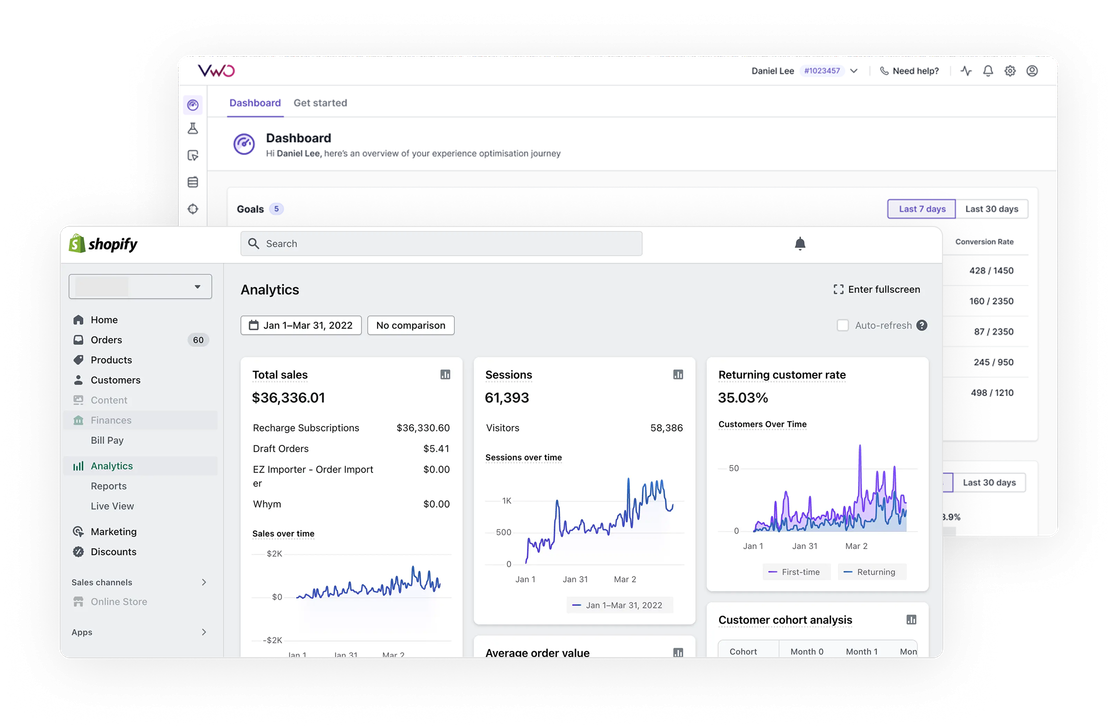
Integrations > Shopify
About Shopify
Shopify is an all-in-one e-commerce platform. It offers features like customizable storefronts, shopping cart functionality, payment processing, inventory management, and marketing tools – essentially everything needed to run an online retail business. It’s one of the largest ecommerce companies globally, catering to businesses in more than 175 countries.
Benefits
The Wingify app for Shopify enables seamless integration between these platforms in just a few clicks. Once installed from the Shopify app store, it provides three major benefits:
1. SmartCode installation
Automatically deploys Wingify’s tracking code across your Shopify store (except checkout, post-purchase, and order status pages), eliminating manual code implementation.
2. Easily track cart events
Streams Shopify’s standard events (like page views, product views, cart actions, and purchases) to Wingify with detailed properties, allowing for flexible configuration of which events to track. These events can be used for campaign targeting and metrics in VWO.
3. [Coming soon] Run A/B tests on product pricing
We have introduced a new enhancement which would allow you to run experiments on your product pricing. This video will demonstrate how to achieve that.
Use cases
1. Easily install Wingify SmartCode & unlock the full power of Wingify’s optimization suite for your Shopify Store
With the Wingify app you can easily install the Wingify Smartcode on all your website pages by just mentioning your Account ID. No need to manually install the code on your website.
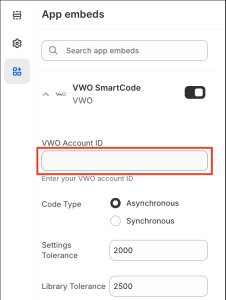
Once installed, easily run A/B test and personalization campaigns on any page, and analyze visitor behavior through session recordings and heatmaps. The Wingify app also automatically handles script placement, loading optimization, and updates when new versions are released. The integration also ensures proper security compliance and performance optimization while reducing technical overhead and maintenance costs.
2. Utilize Shopify standard events as metrics in your A/B tests and personalization campaigns
The Shopify events being streamed into Wingify can be easily utilized as a metrics in Wingify campaigns. This eliminates the need for custom event setup and ensures that important e-commerce activities like ‘add to cart’, ‘checkout initiated’, and purchase completions can be easily used to measure the success of your optimization experiments.
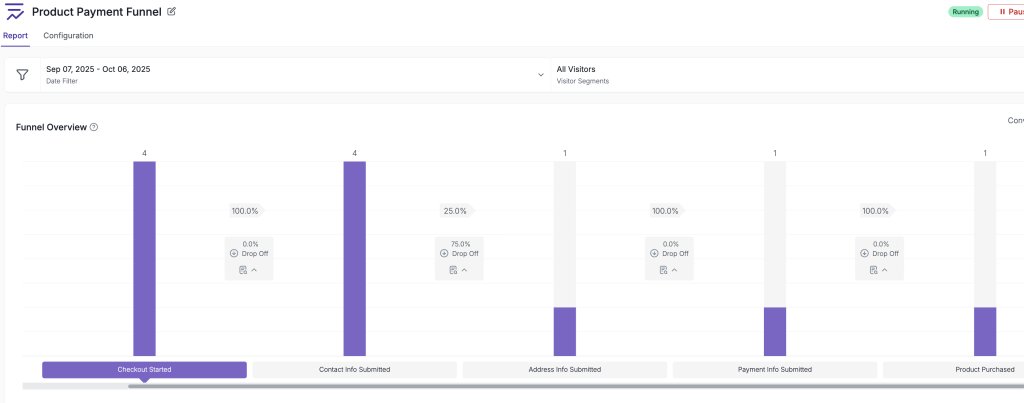
3. Leverage Shopify standard events to create funnels
Leverage Shopify’s native events like product views, add-to-cart actions, and checkout steps to build comprehensive conversion funnels in VWO. Identify key drop-off points, optimize your conversion path, and measure the impact of your testing efforts across the entire shopping experience.
Shared data


Custom events from the integrated tool are pulled into Wingify and used as metrics in Testing, Personalize, and Insights campaigns, for more effective tracking and analysis.
Features by plan
| Feature | Growth | Pro | Enterprise |
|---|---|---|---|
|
Event Stream
Custom events from the integrated tool are pulled into Wingify and used as metrics in Testing, Personalize, and Insights campaigns, for more effective tracking and analysis. |

As a hands-on user of Wingify, I’ve personally experienced how quickly it allows prototyping and testing of new ideas, features, and content. The ability to push changes, without having to involve multiple teams to relaunch areas of the site can’t be praised highly enough, and the ability to reverse those same changes instantaneously is equally as useful.
Senior Group Product, Design Manager