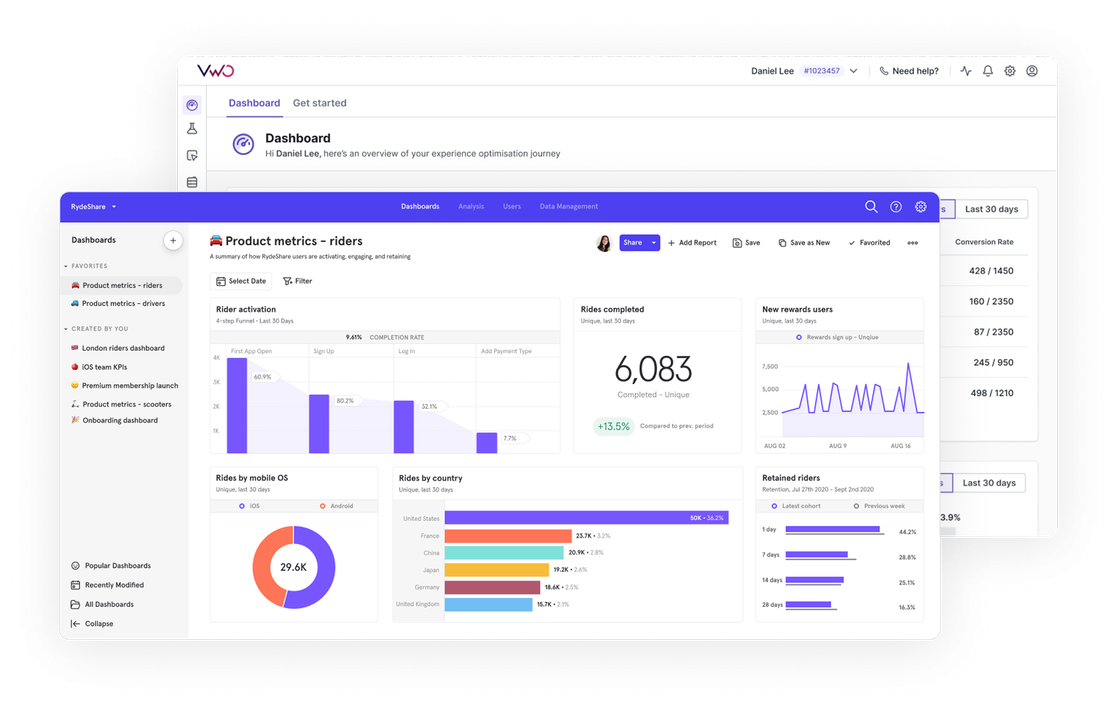
Integrations > Mixpanel
About Mixpanel
Mixpanel is a popular product analytics platform designed to help companies understand how users interact with their products. It offers tools for tracking user actions, measuring engagement, retention, and conversion rates, and analyzing customer behavior over time. Mixpanel is widely used by product managers, growth marketers, and data analysts to gather actionable intelligence and drive product improvements.
Benefits
Mixpanel-VWO integration enables bidirectional sync of data between the two platforms, allowing you to:
- Send Wingify campaign data to Mixpanel
- Import Mixpanel cohorts into Wingify
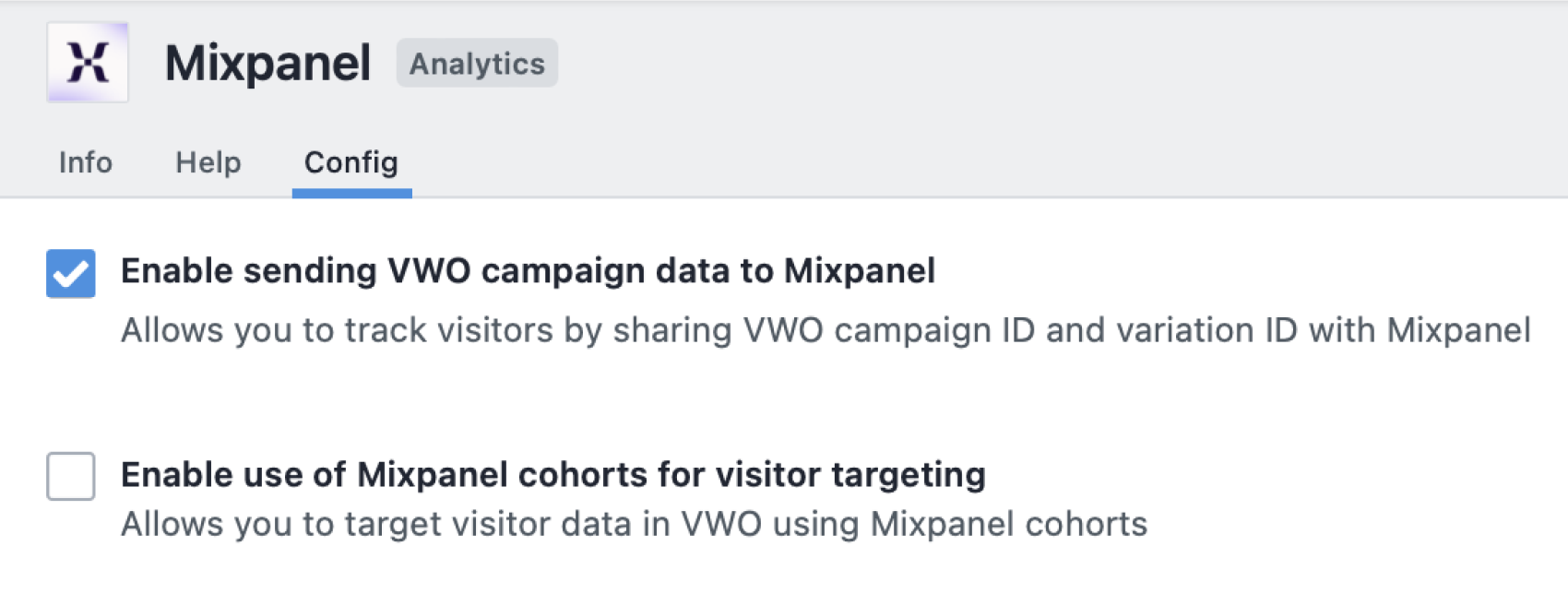
With Mixpanel’s powerful analytics capabilities, Wingify campaign data can be fully utilized within Mixpanel’s reports to understand how different experiment variations impact key business metrics and user behavior. Additionally, the Mixpanel cohorts in Wingify could be leveraged for audience segmentation across Wingify campaigns. We will discuss some of the possibilities in the next section.
Use cases
1. Track impact of experiment variations on key business metrics
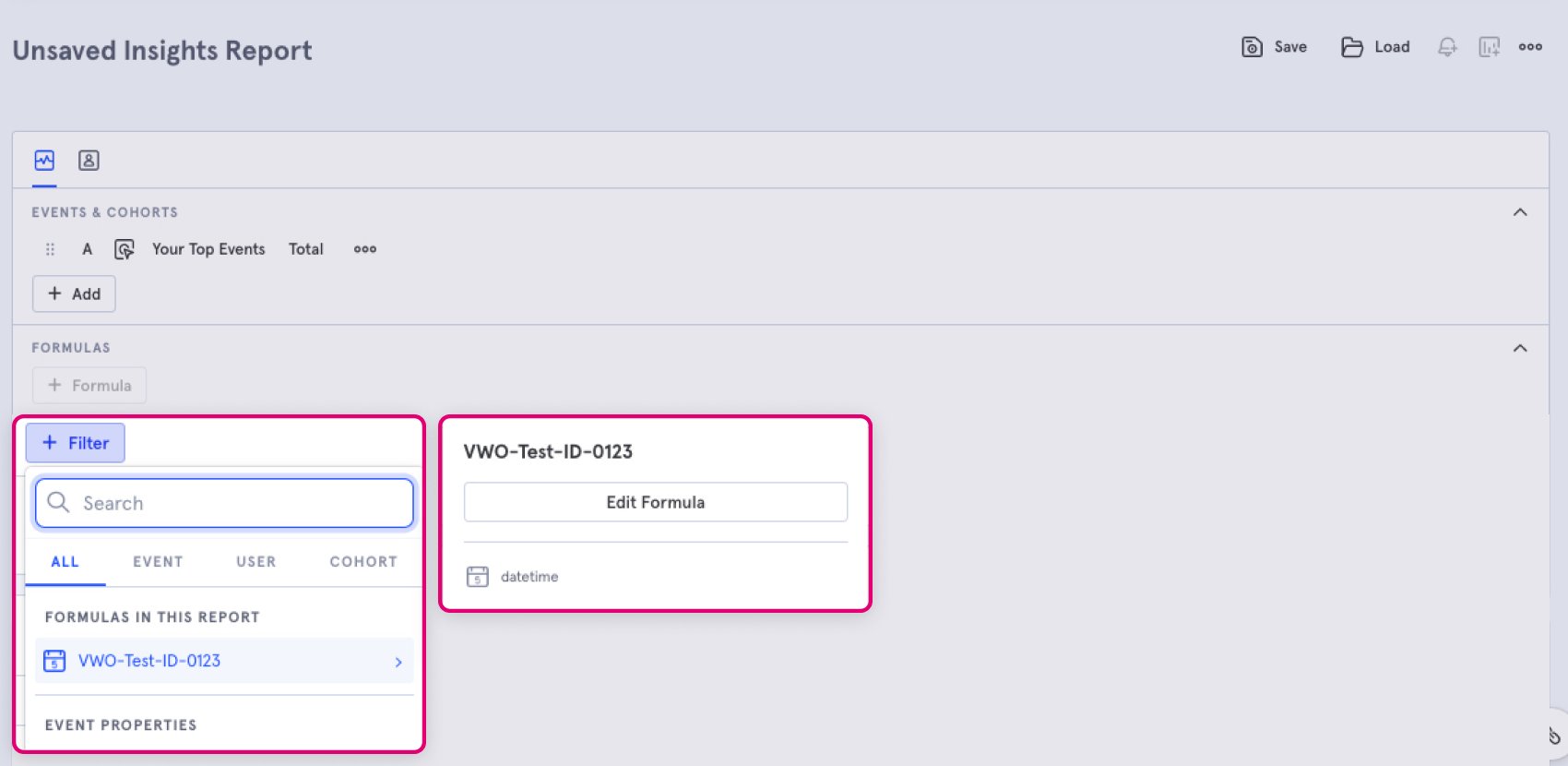
With Wingify campaign data being pushed to Mixpanel, filter and view reports based on specific Wingify experiments and variations. This would allow you to compare the impact of experiment variations against broader user journey metrics in Mixpanel.
2. Run personalized offers based on user behavior
Using comprehensive behavioral data, define targeted cohorts in Mixpanel and serve them unique personalized content through VWO. For instance, create a Mixpanel cohort for “High-Intent Shoppers” who viewed a product page thrice in a week but did not complete the purchase. Thereafter, use Wingify to run a personalized offer based on the product they viewed.
3. Target experiments based on user behavior
Create specific user segments based on their behavior tracked in Mixpanel and then import them into Wingify to run A/B tests on them. For instance, create a cohort of users in Mixpanel who have abandoned the cart, and run A/B tests to identify the right incentive for them.
4. View session recording of Mixpanel cohorts
Apart from running test and personalization campaigns, segment session recording and heatmaps by Mixpanel cohorts in Wingify to understand how segmented users interact on your site. For instance, view how those “High-Intent Shoppers” navigate your site and identify the friction points.
Shared data


Visitors are tagged with their experiment and variation ID during their session, and this data is pushed to the integrated tool.
Data from third-party tools is used to target visitors in Wingify campaigns (e.g., 6sense's Firmographic data, Marketo's Smart lists, Segment's audiences).
Features by plan
| Feature | Growth | Pro | Enterprise |
|---|---|---|---|
|
Export Campaign Info
Visitors are tagged with their experiment and variation ID during their session, and this data is pushed to the integrated tool. |
|||
|
Audience Targeting
Data from third-party tools is used to target visitors in Wingify campaigns (e.g., 6sense's Firmographic data, Marketo's Smart lists, Segment's audiences). |

As a hands-on user of Wingify, I’ve personally experienced how quickly it allows prototyping and testing of new ideas, features, and content. The ability to push changes, without having to involve multiple teams to relaunch areas of the site can’t be praised highly enough, and the ability to reverse those same changes instantaneously is equally as useful.
Senior Group Product, Design Manager