Integrations > Clarity
About Clarity
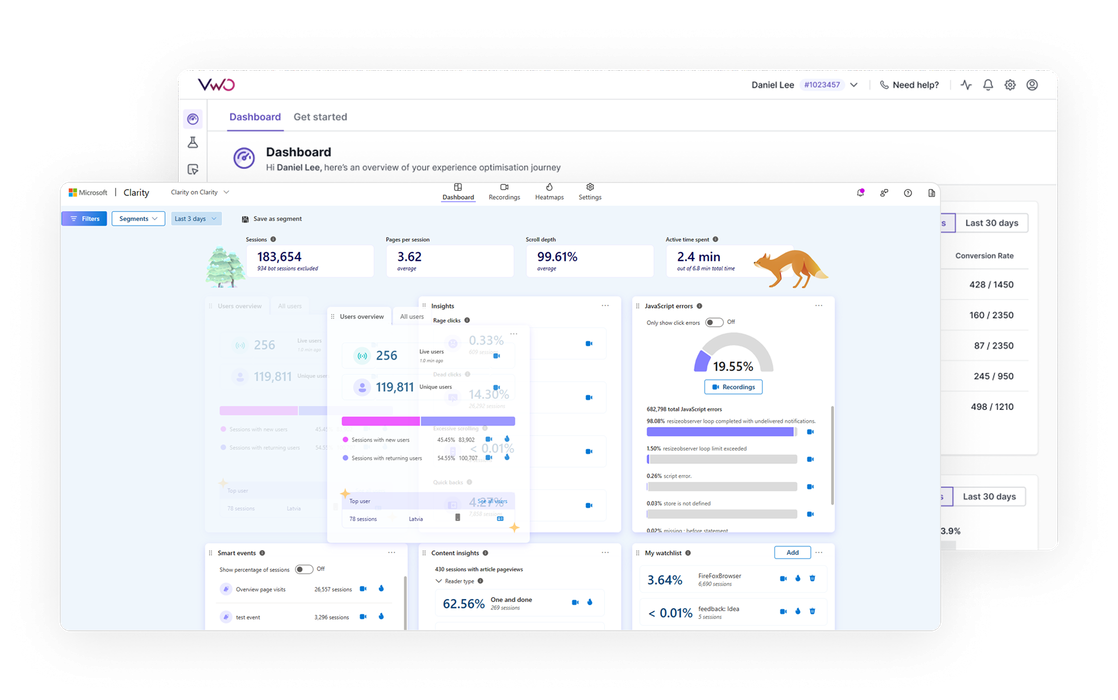
Microsoft Clarity is a free behavioral analytics tool that helps website and app owners understand how users interact with their website through session recordings, and heatmaps. It enables tracking of user behavior, such as clicks, scrolls, and navigation, to pinpoint friction points, improve user experience, and support data-driven website optimization.
Benefits
Integrating Wingify with Clarity allows you to push Wingify campaign data into Microsoft Clarity, where it can be used to view the session recording, heatmaps of the users based on the experiment or personalization campaign they were part of.
Use cases
1. Review user interaction by experiment variation
By segmenting Clarity session recordings by Wingify variation ID, you can see how users engage with different variations of an experiment. This helps correlate high-performing variations with specific user behavior observed in the recordings, offering a more comprehensive understanding of the experiment’s impact.
2. Identify drop-off points and friction areas on your page variations
Filtering session recordings by experiment variation allows you to pinpoint where users drop off or struggle on the page. You can identify critical friction points such as rage clicks, dead clicks, and quickbacks, and match them with experiment performance to improve overall user experience.
Shared data


Visitors are tagged with their experiment and variation ID during their session, and this data is pushed to the integrated tool.
Features by plan
| Feature | Growth | Pro | Enterprise |
|---|---|---|---|
|
Export Campaign Info
Visitors are tagged with their experiment and variation ID during their session, and this data is pushed to the integrated tool. |

As a hands-on user of Wingify, I’ve personally experienced how quickly it allows prototyping and testing of new ideas, features, and content. The ability to push changes, without having to involve multiple teams to relaunch areas of the site can’t be praised highly enough, and the ability to reverse those same changes instantaneously is equally as useful.
Senior Group Product, Design Manager