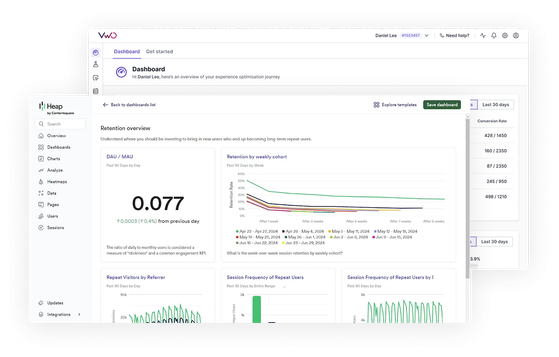
Integrations > Heap
About Heap
Heap is a popular behavioral analytics platform that can capture comprehensive interaction data like clicks, form submissions, and page views without requiring manual event tracking setup. This data helps in understanding user behavior patterns, pinpointing friction points, and optimizing conversion funnels.
Benefits
Wingify’s integration with Heap functionally works the same way as its integration with other analytics platforms. It fundamentally enables two things:
- Outbound transfer of campaign data from Wingify to Heap
- Inbound transfer of Heap segment data from Heap to Wingify
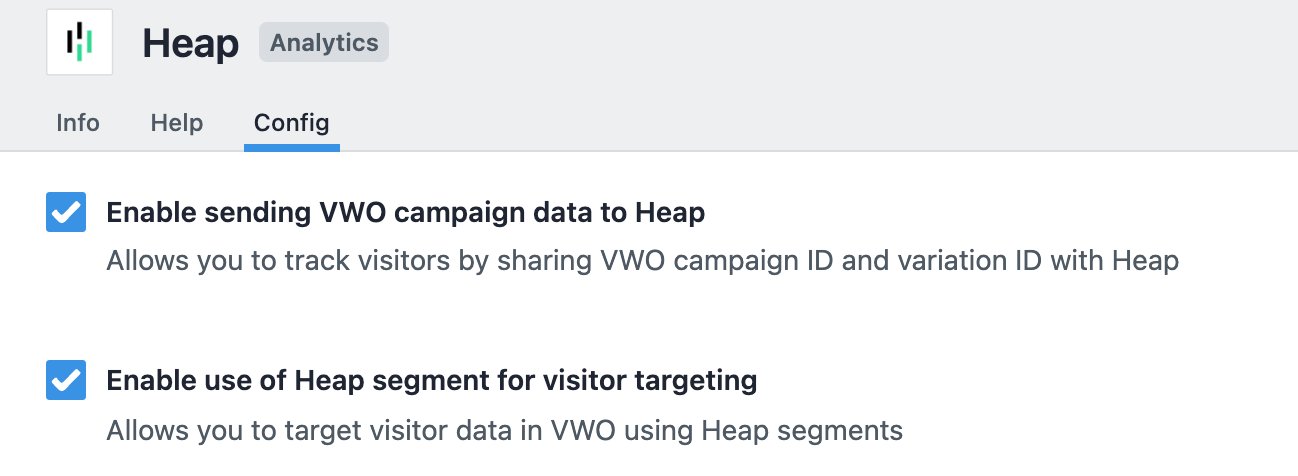
This bidirectional transfer of data enables deeper analytics and more sophisticated targeting capabilities. Campaign data sent to Heap allows teams to analyze Wingify test performance alongside other customer behavior metrics captured in Heap’s analytics platform.
On the other hand, Heap segments imported into Wingify enable marketers to leverage Heap’s rich user behavior data to run targeted experiments and personalization campaigns in VWO.
Use cases
1. Analyze Wingify campaign performance in Heap
Filter reports by Wingify campaign and variation ID, and compare how different test variations impact broader user metrics tracked in Heap. Basically, understand how your experiments affect overall customer journey metrics and not just the ones set up in VWO.
For instance, suppose an e-commerce company runs a Wingify test on their product page. By analyzing this test data in Heap, they discover that while Version B had higher immediate add-to-cart rates (tracked in Wingify), it actually led to lower customer retention and smaller AOV over time (metrics tracked in Heap), leading to different optimization decisions.
2. Target tests based on user behavior
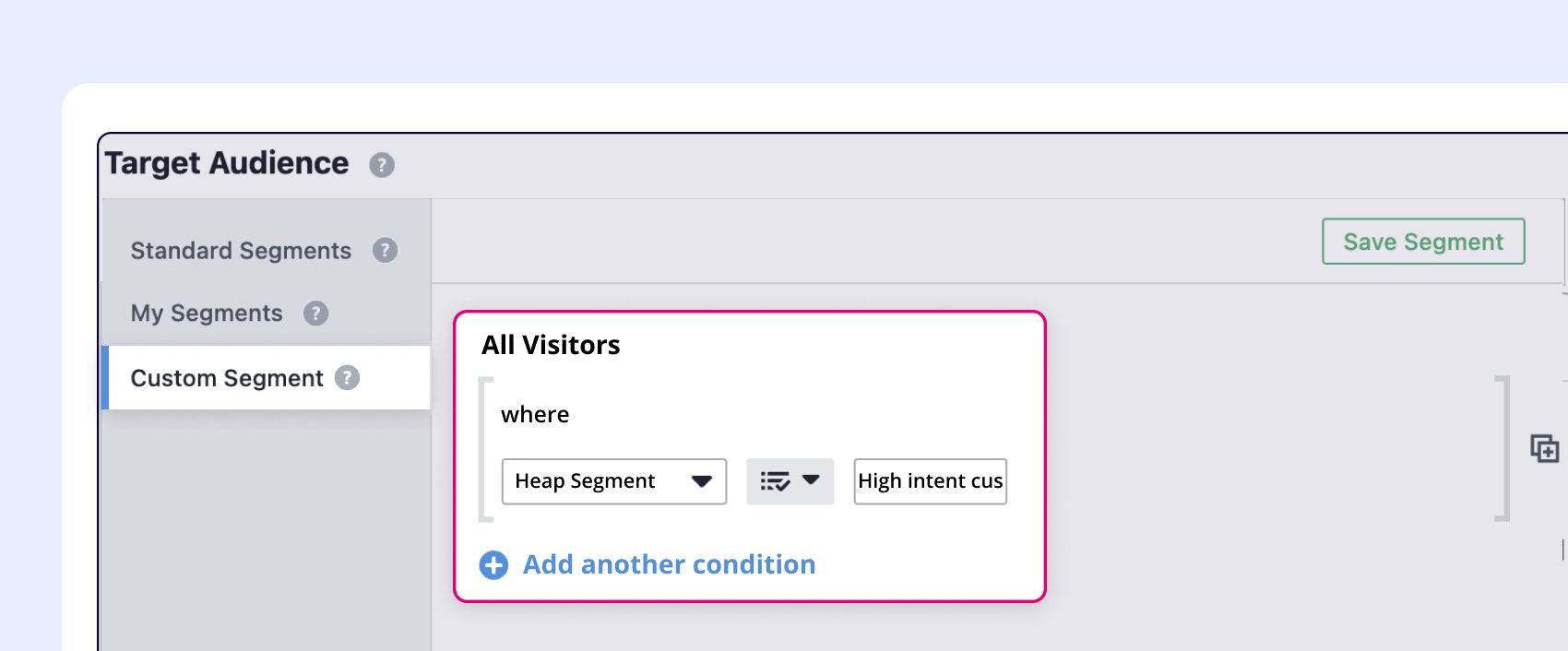
Use Heap’s behavioral data to create targeted visitor segments and push them to Wingify to utilize across Wingify campaigns.
For instance, use Heap to identify users who abandon carts after browsing for 30+ minutes, then target these high-intent visitors with a Wingify test offering free shipping.
3. View session recording of key audience segments
Identify specific user segments from Heap (e.g., high-value customers, churned users) and instantly view their actual sessions in VWO.
For instance, when Heap shows unusual drop-offs, you can easily push the segment to Wingify and pull up relevant session recordings to see exactly what users experienced before abandoning a flow.
4. Personalize experiences based on granular interactions data captured by Heap
Personalize content based on historical interaction patterns of the user. For instance, identify high-value customers using Heap’s engagement metrics and create personalized experiences in Wingify for these segments.
Shared data


Visitors are tagged with their experiment and variation ID during their session, and this data is pushed to the integrated tool.
Data from third-party tools is used to target visitors in Wingify campaigns (e.g., 6sense's Firmographic data, Marketo's Smart lists, Segment's audiences).
Features by plan
| Feature | Growth | Pro | Enterprise |
|---|---|---|---|
|
Export Campaign Info
Visitors are tagged with their experiment and variation ID during their session, and this data is pushed to the integrated tool. |
|||
|
Audience Targeting
Data from third-party tools is used to target visitors in Wingify campaigns (e.g., 6sense's Firmographic data, Marketo's Smart lists, Segment's audiences). |

As a hands-on user of Wingify, I’ve personally experienced how quickly it allows prototyping and testing of new ideas, features, and content. The ability to push changes, without having to involve multiple teams to relaunch areas of the site can’t be praised highly enough, and the ability to reverse those same changes instantaneously is equally as useful.
Senior Group Product, Design Manager