

Integrations > Google Tag Manager
About Google Tag Manager
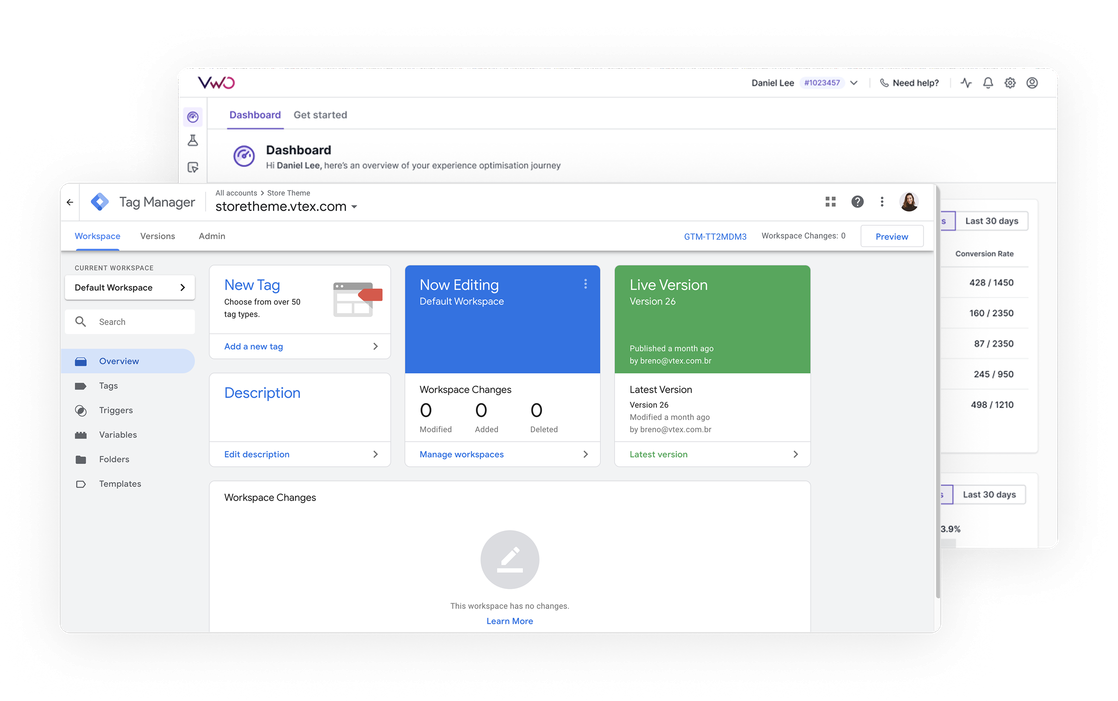
Google Tag Manager (GTM) is a free tag management system that allows you to add, update, and manage various website tags (snippets of code or tracking pixels) through a web interface instead of having to modify the code directly. It acts as a container that can hold multiple marketing and analytics tags, such as Google Analytics, Facebook Pixel, conversion tracking, and custom scripts, all managed from a single dashboard.
Benefits
Wingify’s integration with GTM has multiple components and we are going to explore each of them below:
1. Wingify Event streamer to push events into Wingify
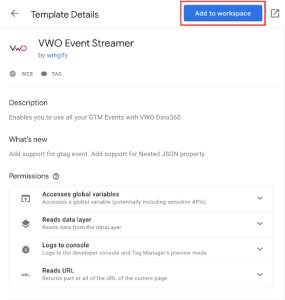
The Wingify Event Streamer is a tag template that you can add from the GTM Template Gallery. It lets you stream GTM events, that you might be capturing for other analytics tools, directly into Wingify Data360.
For instance, if you are tracking events such as ‘add-to-cart’, ‘checkout’ in GTM, you can easily pass them into Wingify Data360 with the help of streamer. Once imported into Data360, a custom event can be utilized for targeting rule, or as a metric for an A/B test campaign.
2. Utilizing data layer variable in the targeting condition
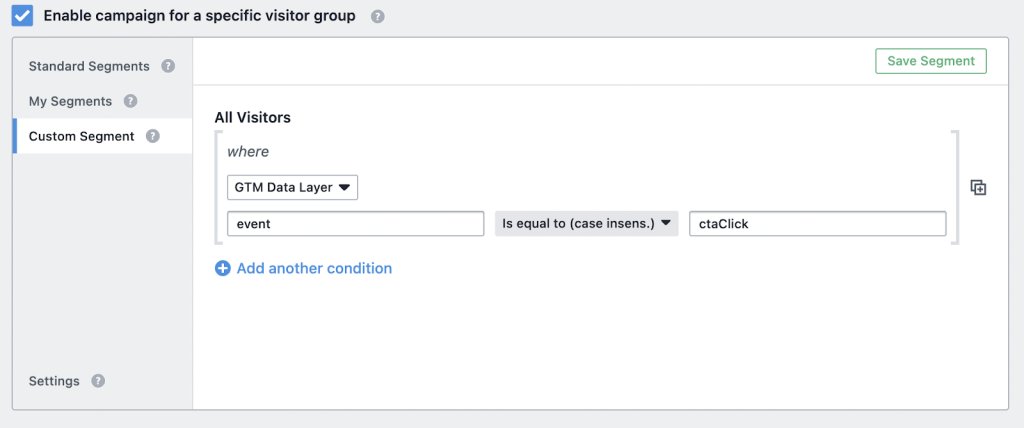
You can use data from GTM (like user behavior or attributes stored in GTM’s Data Layer) to create custom audience segments in Wingify campaigns. For example, if a visitor clicks a specific button tracked via GTM, Wingify can target them with personalized campaigns or targeted A/B tests.
3. Easily integrate with GA4 via GTM
By integrating Wingify with GA4 via GTM, you only need a one-time configuration of variables, triggers, and tags in GTM. After that, any new Wingify campaigns automatically push data to GA4 without requiring additional code changes on the website.
Use cases
1. Run A/B tests based on user behavior
Use GTM to track specific user actions (e.g., cart abandonment, button clicks) and pass them as events to VWO. Thereafter, trigger Wingify tests or personalization campaigns only for those users. For example, if a visitor abandons their cart (tracked via GTM), Wingify can show them a personalized discount popup to encourage completion.
2. Use GTM event as metric in a A/B testing campaign
Use GTM to push events into Wingify and utilize it as a metric in the Wingify campaign. For instance, suppose you are running a test on the pricing page and tracking the ‘checkout’ event in your analytics tool via GTM. Via this integration, you can pass this event into Wingify too and use it as a metric for your test campaign.
3. Analyze impact of your A/B tests in your analytics platform
Since GTM facilitates connections with various analytics tools (like GA4), the VWO-GTM integration makes it easier to push test data and user behavior information to your analytics platforms. This enables you to track the impact of your A/B tests on overall business metrics already tracked in your analytics tool.

As a hands-on user of Wingify, I’ve personally experienced how quickly it allows prototyping and testing of new ideas, features, and content. The ability to push changes, without having to involve multiple teams to relaunch areas of the site can’t be praised highly enough, and the ability to reverse those same changes instantaneously is equally as useful.
Senior Group Product, Design Manager