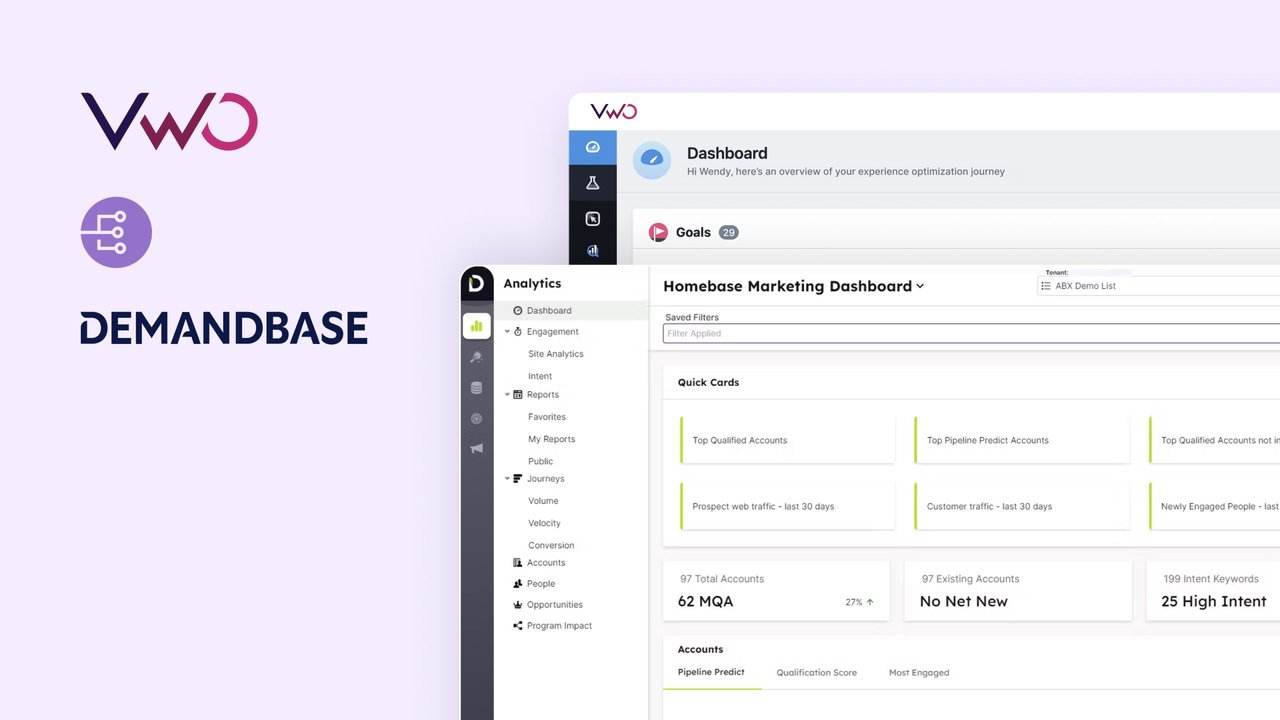
Integrations > Demandbase
About Demandbase
Demandbase is a B2B (Business-to-Business) marketing and sales intelligence platform that provides account-based marketing (ABM), advertising, and sales solutions. It offers a suite of tools for identifying high-value accounts, automating marketing and advertising campaigns, measuring performance, and aligning sales and marketing teams.
Benefits
This integration allows you to leverage Demandbase’s third-party account data in Wingify Insights, Testing, and Personalize campaigns. You can essentially use Demandbase’s firmographic data to segment users in Wingify both pre and post a campaign is launched.
Feature Availability
- Pre-segmentation: Available with Wingify Pro plan and above
- Post-segmentation: Requires Enterprise plan with Data360 module enabled
Use cases
1. Personalize experiences for targeted accounts
Utilize Demandbase’s firmographic data—such as company size, industry, and revenue—to create segments of targeted accounts, and deliver personalized web experiences tailored to each segment. For instance, if you’re selling CMS software, you could craft distinct experiences for different audience types, such as Product Managers, Developers, and Marketers.
2. Run A/B tests on targeted accounts
Run experiments exclusively for the accounts that matter most, ensuring your test results are not skewed by irrelevant traffic. You can use Account data from Demandbase to segment your targeted accounts and run tests only on them.
For example, if your business targets enterprise companies, you can use account-based data to target just them. This ensures that you are optimizing your website only for your targeted audience group and preventing unqualified traffic from influencing your decision.
3. View session recording and heatmap of targeted accounts
Use Demandbase data to segment your targeted accounts in Wingify, and view their corresponding session recording and heatmaps. To add on to the previous example- if you are targeting enterprise companies you could use account-based data to view session recording and heatmaps of only large enterprises.
Additionally, you can use Account data to target Surveys, and enable form tracking for a particular user group.
4. Run account specific offers
Leverage Demandbase’s account data to craft highly targeted, personalized offers that address each account’s specific needs
For example, if you have a list of large, high value accounts, you can create corresponding offer pages for each of them. Thereafter, you can upload your account list while setting up a personalization campaign in Wingify, and Demandbase’s powerful account identification feature will ensure that users from those companies view the relevant offer.
Shared data


Enrich your user data (like company, region, industry etc) within Wingify Data360 by integrating with external tools. This enriched data allows you to segment users more effectively across the Wingify platform.
Features by plan
| Feature | Growth | Pro | Enterprise |
|---|---|---|---|
|
Audience Targeting
Data from third-party tools is used to target visitors in Wingify campaigns (e.g., 6sense's Firmographic data, Marketo's Smart lists, Segment's audiences). |
|||
|
User Profile Enrichment
Enrich your user data (like company, region, industry etc) within Wingify Data360 by integrating with external tools. This enriched data allows you to segment users more effectively across the Wingify platform. |
FAQ
No, Wingify does not sync any data with Demandbase. Wingify simply matches the targeting conditions using the data that Demandbase’s API provides in the visitor’s browser. There is no direct data transfer between the two tools.
Wingify allows you to define visitor segments using Demandbase data both before and after a campaign runs. However, for post-segmentation to work, the relevant Demandbase attributes must be registered in Wingify during the campaign. Only then can you filter and analyze the campaign results using those attributes after the campaign ends.

As a hands-on user of Wingify, I’ve personally experienced how quickly it allows prototyping and testing of new ideas, features, and content. The ability to push changes, without having to involve multiple teams to relaunch areas of the site can’t be praised highly enough, and the ability to reverse those same changes instantaneously is equally as useful.
Senior Group Product, Design Manager