VWO and AB Tasty are now one platform: Wingify.
Learn about the mergerWingify Shopify Integration
Install Wingify in your Shopify store with the Wingify app, track cart events, and run A/B tests and personalization campaigns on any page. No coding needed.


























4 Mn+
Campaigns run
1.5 Mn+
Websites & apps powered
3000+
Customers
75+
Countries served
The Wingify app also handles script placement, loading optimization, and updates when new versions are released.
Install the Wingify app from the Shopify app store. It connects your store to Wingify in just a few clicks.
The app installs the Wingify SmartCode on all your website pages by just mentioning the Wingify account ID. No need to manually install the code on your website.
Once installed, easily run A/B test and personalization campaigns on any page, and analyze visitor behavior through session recordings and heatmaps.
Shopify events
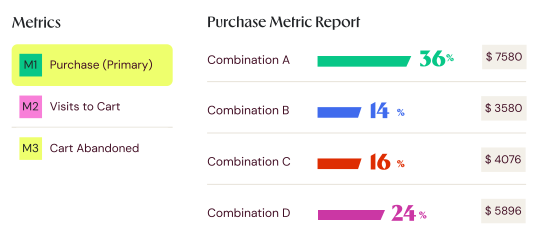
The Wingify app streams Shopify’s standard events to Wingify with detailed properties. Use them as metrics in your A/B tests and personalization campaigns, with no custom event setup, and pick the winner on the activity that matters.
Ideas from Wingify customers’ product pages, carts and navigation, with the result each test delivered.
Serpent Forge showed all available payment methods next to the add-to-cart button, not just one badge. Add-to-cart clicks rose 82%.
Perfect Plants tested its mobile product page with the image carousel moved below the add-to-cart button, and with no image at all. The winner lifted add-to-cart clicks by 19.26%.
Embark Veterinary tested the product copy for its premium DNA kit, from emotional to clinical, then with real health examples. It saw a 7% increase in conversion rate and 10% more revenue per session.
Bear Mattress redesigned the “Frequently bought with mattress” section on mobile product pages, for a 16.21% increase in revenue.
Best Choice Products placed a giant search bar right at the center of its mobile header and saw a 30% increase in conversions.
Hunter Boots added social proof messaging to its site and raised its conversion rate by 6% in the US.
Create variations of product pages, collections and your homepage the way your team works.
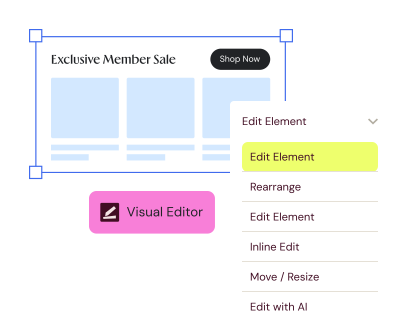
For quick “let’s try it” moments. Update copy, CTAs, images, forms, banners, and more with a point-and-click editor, no code needed.
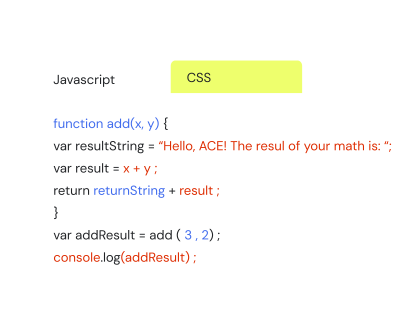
For tests that need more muscle. Use HTML, CSS, JavaScript, and jQuery to build advanced variations and custom experiences.
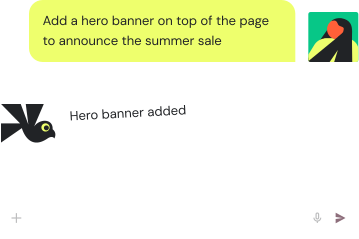
For when the idea is there, but the blank page is not helping. Use Wingz AI to generate copy, shape variations, and speed up campaign setup.
See where shoppers hesitate, then turn what you see into your next test.
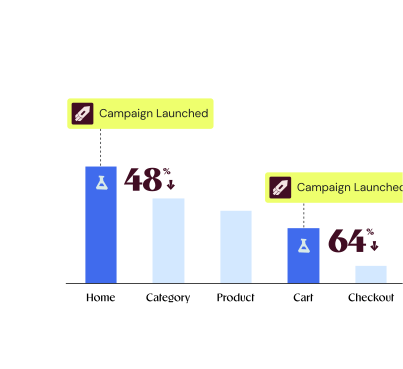
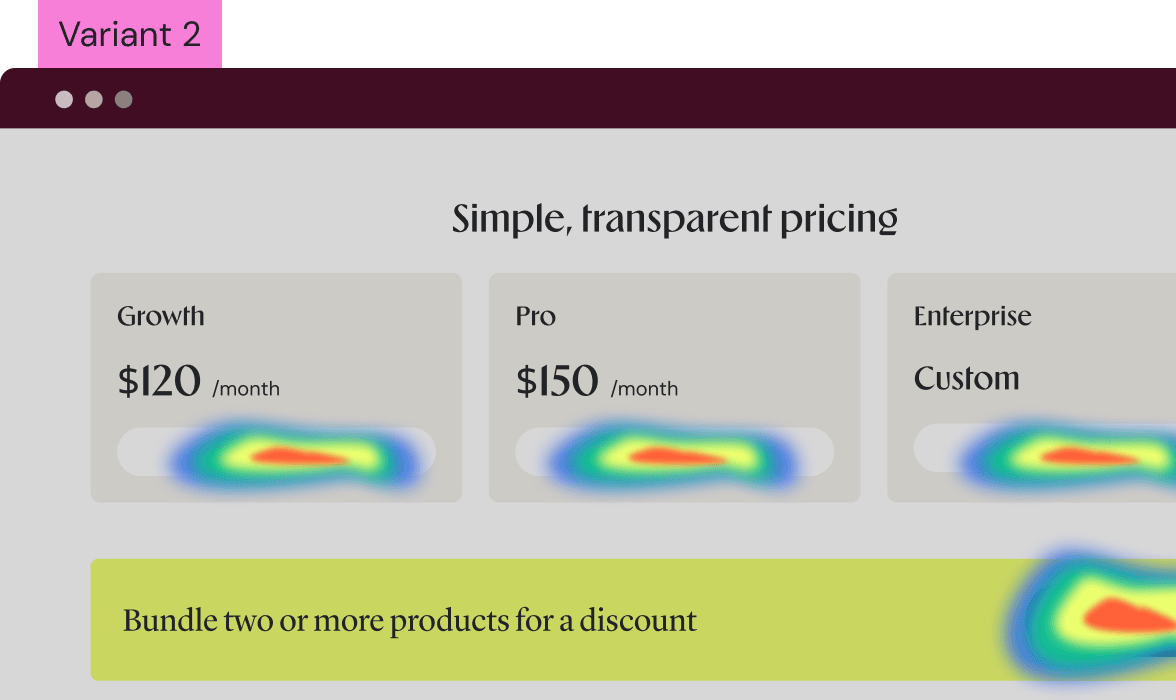
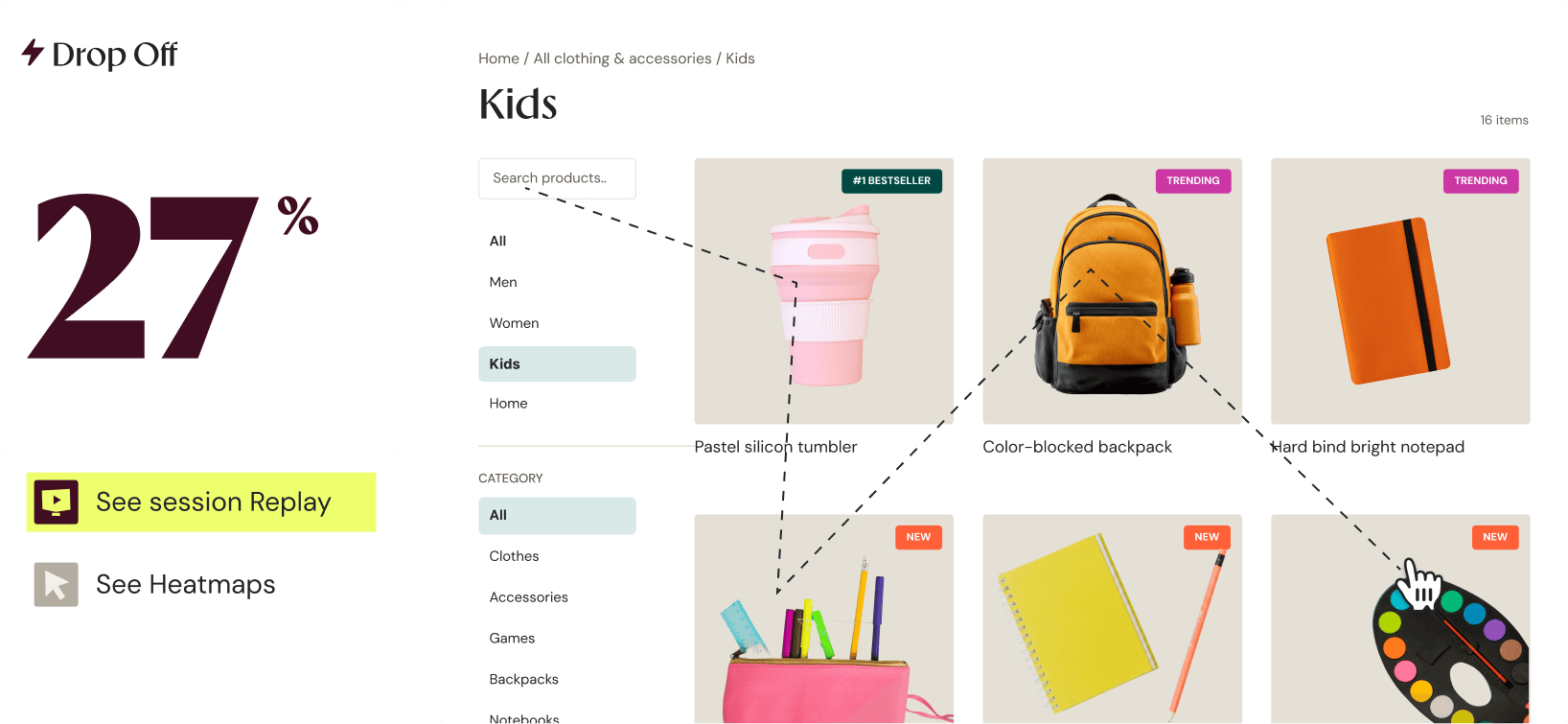
Leverage Shopify’s native events like product views, add-to-cart actions, and checkout steps to build comprehensive conversion funnels. Identify key drop-off points and measure the impact of your testing efforts across the entire shopping experience.
See where shoppers click, tap, and scroll, and which elements they ignore, on every variation.
Watch real-time replays of shopper journeys to understand why visitors leave before they add to cart.

+9.98%
Transactions

+31%
Total revenue

+22%
Purchase rate
“As a hands-on user of Wingify, I’ve personally experienced how quickly it allows prototyping and testing of new ideas, features, and content. The ability to push changes, without having to involve multiple teams to relaunch areas of the site can’t be praised highly enough, and the ability to reverse those same changes instantaneously is equally as useful.”
 Rob Marfleet
Senior Group Product, Design Manager
Wingify meets the highest security and data privacy standards across the globe, with 24/7 priority support.
We carry industry-leading certifications. Your data stays protected while helping you meet global and regional regulatory requirements with confidence.


Data centers in the US, the EU, Australia, and India.
A dedicated success manager and technical experts, with 24/7 support and a consistent CSAT of 99%.
Get a demo to see the Wingify Shopify app, Shopify events and the Visual Editor in action.
What Shopify merchants ask most about A/B testing with Wingify.
Yes. The Wingify app for Shopify, developed by Wingify, enables seamless integration between Shopify and Wingify in just a few clicks. Once installed from the Shopify app store, it installs the Wingify SmartCode, streams Shopify events to Wingify, and lets you run A/B tests and personalization campaigns on any page.
No. The app installs the Wingify SmartCode on your store by just mentioning the Wingify account ID, eliminating manual code implementation. It also handles script placement, loading optimization, and updates when new versions are released.
The app streams Shopify’s standard events, like page views, product views, cart actions, and purchases, to Wingify with detailed properties. Use them for campaign targeting and as metrics, for example ‘add to cart’, ‘checkout initiated’, and purchase completions, or to build conversion funnels.
The app deploys Wingify’s tracking code across your Shopify store except checkout, post-purchase, and order status pages. Checkout steps and purchases still stream to Wingify as events, so you can use them as metrics and in funnels for tests on your product, collection, cart, and other pages.
The Shopify integration is available from the Growth plan. It works with Wingify Experimentation, Behavior Analytics, and the Wingify platform.
Yes. Start a 30-day trial with no credit card required, or get a demo with our team.

Free for 30 days. No credit card required.
Talk to a sales representative
Your dedicated Wingify representative will be in touch shortly to set up a time.
at

Increase in Trial activation