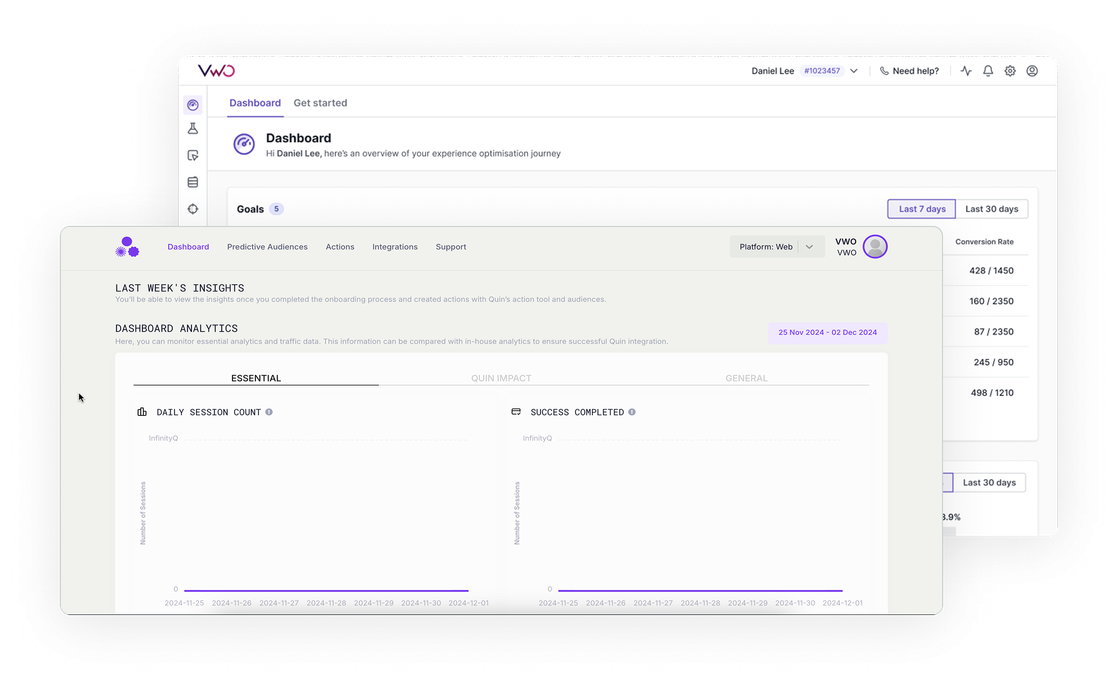
Integraciones > Quin
About Quin
Quin AI leverages deep learning AI to deliver real-time behavioral prediction for all visitors – including first-time, logged-out, and private browsers for more considered personalization that converts.
With behavioral data being 20 times more predictive than demographic data, Quin AI provides precise insights that enhance personalization and drive superior results.
Benefits
Quin Engine analyzes your website’s clickstream data to predict user behavior in two key ways:
- Audience Identification: Identifies users likely to take specific actions (cart abandonment, purchases, offer subscriptions) and groups them into audiences.
- Action Definition: Lets you define interventions for each audience to influence their behavior. For example, you can set up retargeting actions for potential cart abandoners.
Through Wingify integration, you can:
- Use Quin’s predicted audiences in Wingify campaigns- for example, targeting users forecasted to abandon their cart.
- Run A/B tests and personalization campaigns on these audiences to optimize your conversion.
- Import Quin actions into Wingify segments, ensuring users who received specific Quin interventions (like promotional popups or retargeting) are automatically included in relevant Wingify campaigns
Use cases
1. Import Quin Audience to Wingify and run A/B test and personalization campaigns on them
Run Wingify campaigns for specific Quin-identified audiences. For instance, when Quin predicts a group of users might abandon their cart based on their browsing pattern, you can immediately A/B test different messaging or offers for this group through Wingify to prevent abandonment.
2. Import Quin Action to Wingify and use them as triggers for Wingify campaigns
Use Quin actions as Wingify segments to target users who received specific interventions. For example, if you’ve defined a «show discount popup» action in Quin for cart abandoners, you can run Wingify campaigns specifically on users who saw this popup to test different follow-up strategies and optimize their journey.
3. Check session recording and heatmap of users who are part of Quin audience and action
Create custom views in Wingify’s Session Recordings and Heatmaps based on Quin segments i.e. Action and Audience. For example, viewing how ‘cart abandoners’ navigate your site or how users who received a Quin action interact with your pages.
Shared data


Data from third-party tools is used to target visitors in Wingify campaigns (e.g., 6sense's Firmographic data, Marketo's Smart lists, Segment's audiences).
Features by plan
| Feature | Growth | Pro | Enterprise |
|---|---|---|---|
|
Audience Targeting
Data from third-party tools is used to target visitors in Wingify campaigns (e.g., 6sense's Firmographic data, Marketo's Smart lists, Segment's audiences). |

As a hands-on user of Wingify, I’ve personally experienced how quickly it allows prototyping and testing of new ideas, features, and content. The ability to push changes, without having to involve multiple teams to relaunch areas of the site can’t be praised highly enough, and the ability to reverse those same changes instantaneously is equally as useful.
Senior Group Product, Design Manager