AB Tasty y VWO se han unido, porque la mitad del ciclo nunca fue suficiente.

Más información sobre la fusión

Wingify vs Contentsquare
The Honest Comparison

Contentsquare, along with Hotjar and Heap, is one of the best ways to see what users do on your websites and mobile apps.
But ask yourself: How granular does the read actually get, and what turns that insight into an experience you can ship and measure, without managing another vendor?

Solicita una demo

Here's how we see the difference

Wingify adds deeper nuance, and avoids tool stitching

For raw behavior analytics, Contentsquare is one of the strongest tools you can get.

However, this is what sets Wingify apart:

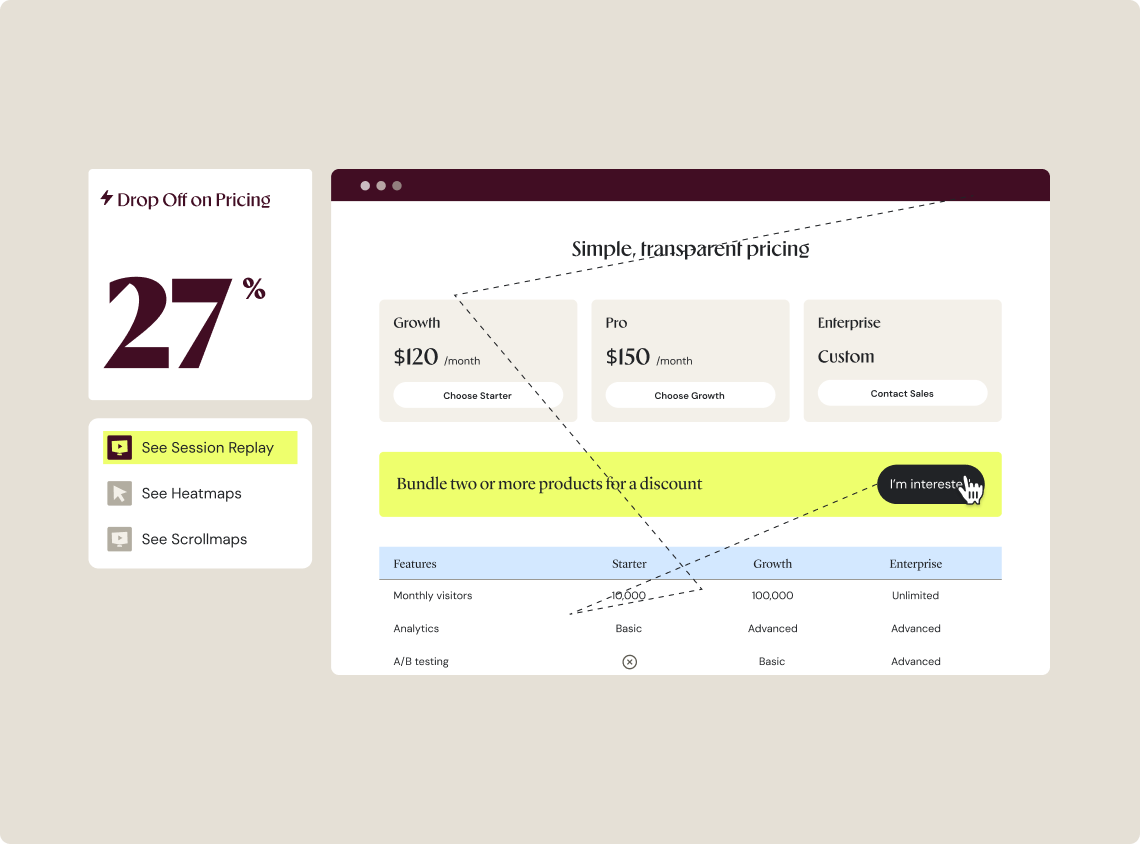
Form granularity: Contentsquare’s form analysis reports refill rate, drop rate, and click recurrence for each field. Wingify adds the timing layer on top: total time, interaction time, and hesitation time on every field. So you don’t just see which field loses people. You see how long they stall before it happens.

Behavior-linked experiments: As you can run your experiments using Wingify, heatmaps and session recordings are connected to them. You watch the people who saw variation B, and see if they interacted as per your hypotheses. Contentsquare can do that too, but the experiment data has to come from another third-party tool.

Side by side:
Wingify vs Contentsquare

Contentsquare is good at pure behavior analysis and makes sense if you already run experiments using another tool. But if you want user understanding, experimentation, personalization, search optimization, merchandising, on websites & mobile apps, in a unified place, Wingify is be better choice.

Contentsquare Wingify logo
Behavior analytics Heatmaps, zone maps, session recordings, funnel analysis, etc Heatmaps, session recordings, funnel analysis, form analytics, surveys, etc
Form analytics depth Refill rate, drop-off rate, fill rate, etc. Refill rate, drop-off rate + total time, interaction time, and hesitation time per field
Behavior tied to experiments You need third-party data stitching from an experimentation tool Heatmaps and session recordings attached to your experiments
Experimentation Not available, no testing engine. Native A/B, multivariate, split URL, and server-side testing
Personalization & rollouts Not available Native personalization, feature flags, and rollouts
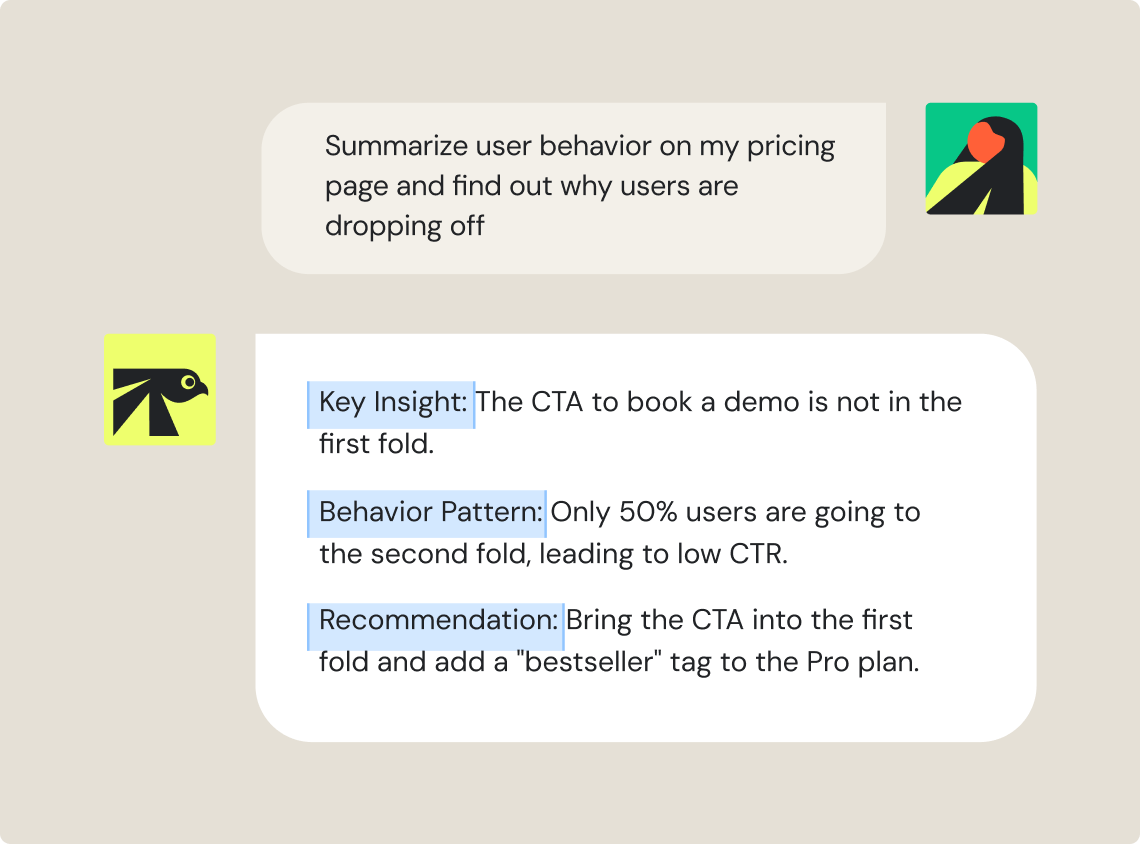
AI capabilities Sense: autonomous analysis and recommendations Wingz AI: Reads behavioral and statistical data both. Automated workflows to build, analyze, and summarize campaigns
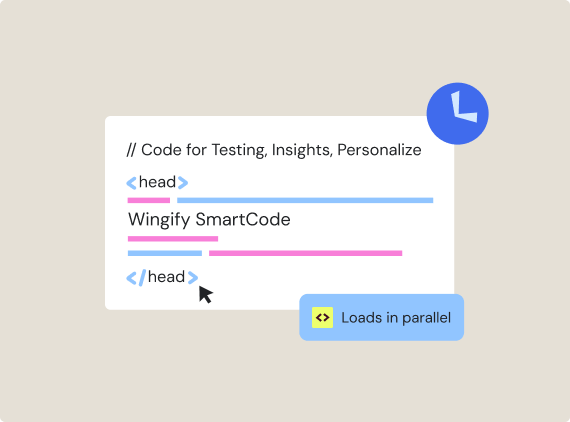
Performance Behavior-analytics tag, add a separate platform to experiment and personalize One code snippet for all web products ensures negligible impact on loading speed and web vitals

La mejor manera de experimentar,aprender y crecer

Solicita una demo Iniciar prueba

Still thinking?

Esto es lo que suelen preguntar los equipos antes de empezar

Yes, both offer almost similar capabilities, with heatmaps, session recordings, funnel analysis, form analytics, surveys, etc. Even the AI capabilities to summarize user behavior and recommend next steps is the same. However, if you want the understand user friction and fix it, in one place, then Wingify has an edge. Wingify runs behavior analytics, testing, and personalization on one platform, so an insight becomes an experiment without leaving the tool.

No. Contentsquare, Hotjar, and Heap are analytics and voice-of-customer products. They can analyze the behavior around a test you run in another tool, and Sense can recommend what to change, but there is no engine to run the experiment, ship personalization, or roll out a feature. Wingify does all three natively.

Contentsquare's form analysis reports refill rate, drop rate, and click recurrence per field. Wingify reports those signals too, and adds field-level timing: total time, interaction time, and hesitation time on each field. So you see not only which field loses people, but how long they hesitate before it does.

Sense is a capable, autonomous analysis agent. Wingz AI reads the same kind of behavioral data but also adds a layer of analyzing your test results, so it can compare heatmaps across test variations, and give a recommendation based on the running tests, personalizations, or feature launches.
The gap is not intelligence, it is whether the AI can act on what it finds.

Currently, there is no automated migration.
You have to install the Wingify tag start fresh in Wingify. However, our team helps you scope the switch, with 24x7 support.