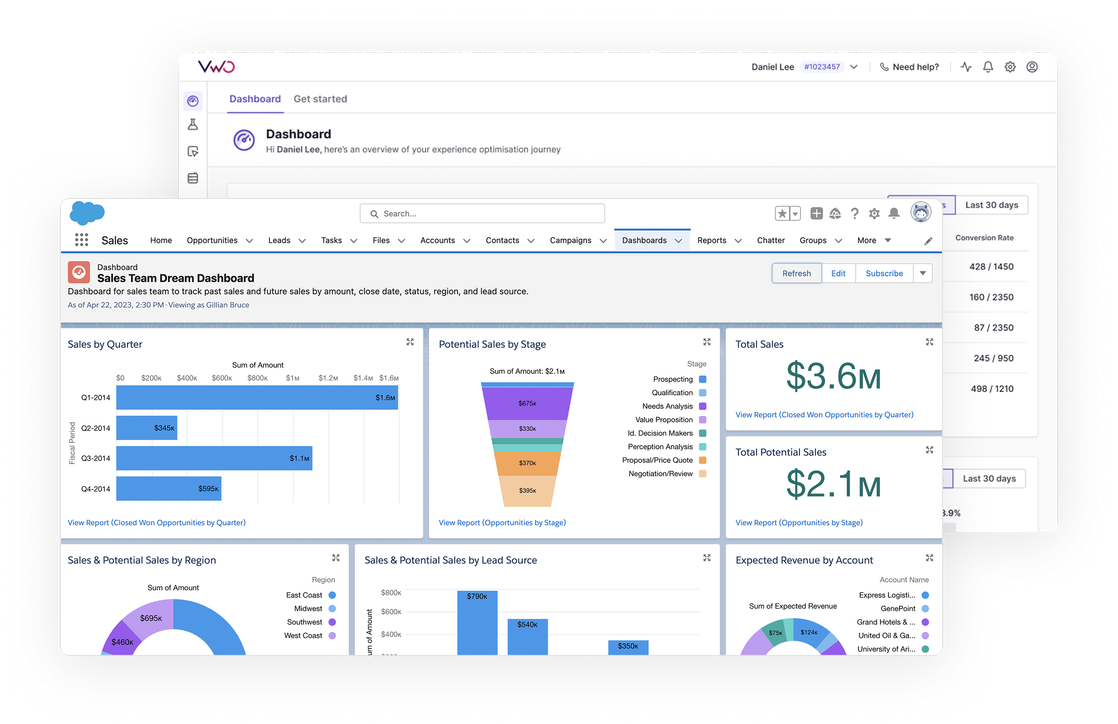
Integrationen > Salesforce
About Salesforce
Salesforce is a cloud-based CRM software that helps businesses manage their relationships and interactions with customers and potential customers. It’s the flagship product of Salesforce.com and one of the most widely used CRM systems globally.
Benefits
1. Lead-level experiment tracking in Salesforce
2. B2B visitor identification
Leverage Salesforce data to identify and segment website visitors through two methods:
- browser variables (cookies, JS variables, local storage) for returning visitors who have previously interacted with your site,
- or third-party IP reveal services (like ClearBit, 6sense, Demandbase) that can identify companies based on their IP addresses.
This dual approach ensures you can precisely target both known business visitors and new visitors from identified companies, for your Wingify campaigns.
3. Automated data flow
The integration automatically syncs Salesforce data daily into Wingify, with options for manual syncing when needed, eliminating the need for manual data transfers between systems.
4. Flexible data range
The integration supports various Salesforce objects—including Leads, Contacts, Accounts, and Opportunities—enabling tailored targeting using key CRM fields.
Use cases
1. Analyze test campaign impact on lead quality
Track how Wingify experiments influence lead quality in Salesforce by linking variation data to lead scoring and conversion metrics. By exporting campaign and variation data for each lead, teams can measure which website experiments produce higher quality leads.
2. Personalize your website content based on lead status
Show different messaging to leads based on their Salesforce status. For example, display „Upgrade to Pro“ messaging to free trial users, while showing „Book a Demo“ to marketing qualified leads.
3. Deliver account-based experiences
Create tailored website experiences for target accounts in Salesforce. For example, show industry-specific case studies when visitors from key account domains visit your site
Shared data


Visitors are tagged with their experiment and variation ID during their session, and this data is pushed to the integrated tool.
Data from third-party tools is used to target visitors in Wingify campaigns (e.g., 6sense's Firmographic data, Marketo's Smart lists, Segment's audiences).
Features by plan
| Feature | Growth | Pro | Enterprise |
|---|---|---|---|
|
Export Campaign Info
Visitors are tagged with their experiment and variation ID during their session, and this data is pushed to the integrated tool. |
Add-on only | ||
|
Audience Targeting
Data from third-party tools is used to target visitors in Wingify campaigns (e.g., 6sense's Firmographic data, Marketo's Smart lists, Segment's audiences). |

As a hands-on user of Wingify, I’ve personally experienced how quickly it allows prototyping and testing of new ideas, features, and content. The ability to push changes, without having to involve multiple teams to relaunch areas of the site can’t be praised highly enough, and the ability to reverse those same changes instantaneously is equally as useful.
Senior Group Product, Design Manager