Integrationen > Hubspot
About Hubspot
HubSpot provides a powerful, user-friendly CRM designed to help businesses manage their customer relationships, marketing campaigns, and sales processes. It allows marketers to store and manage all customer and lead information in a centralized database, complete with detailed contact profiles and interaction histories.
Benefits
1. Check your contact’s session recording within Hubspot
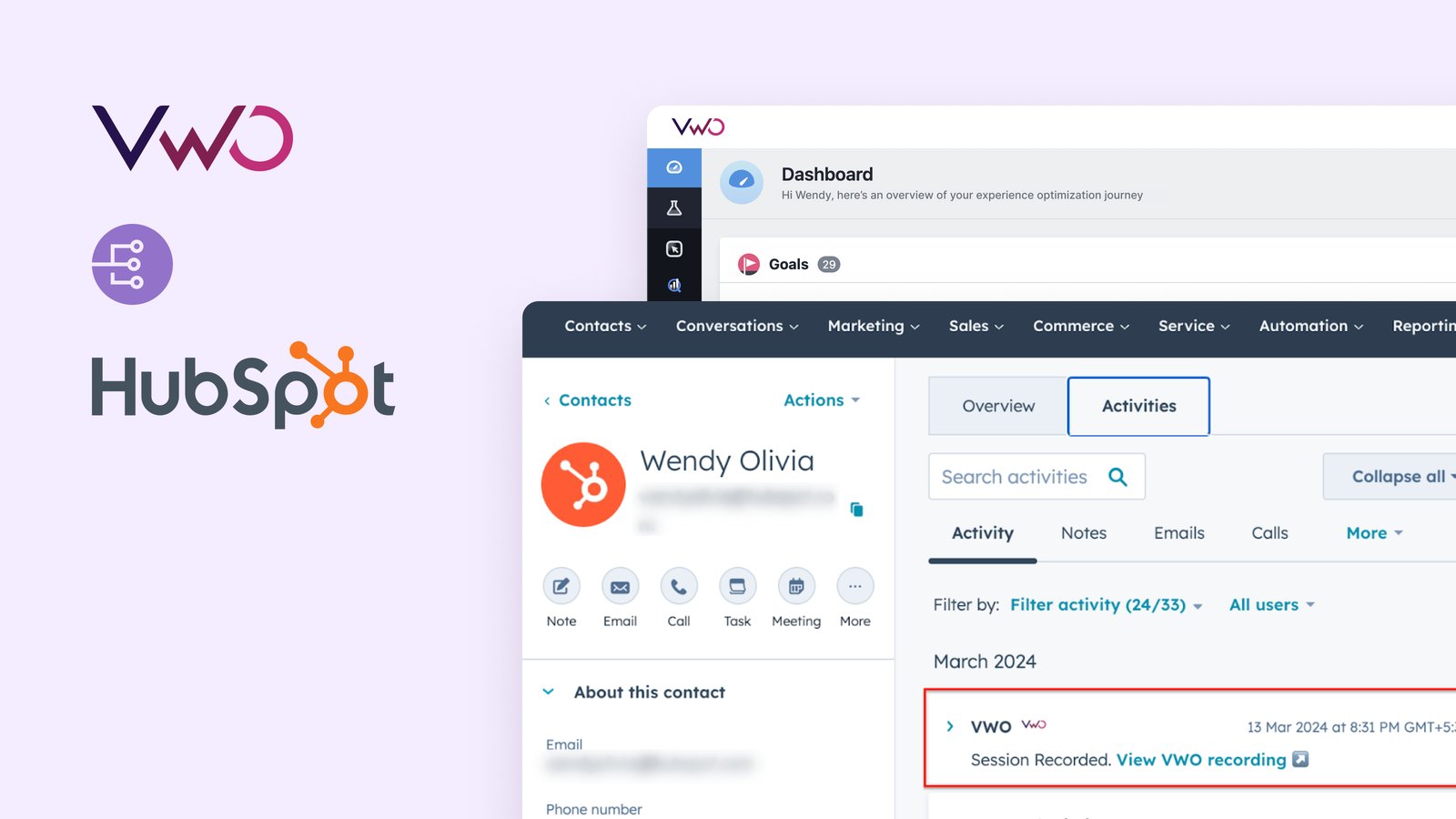
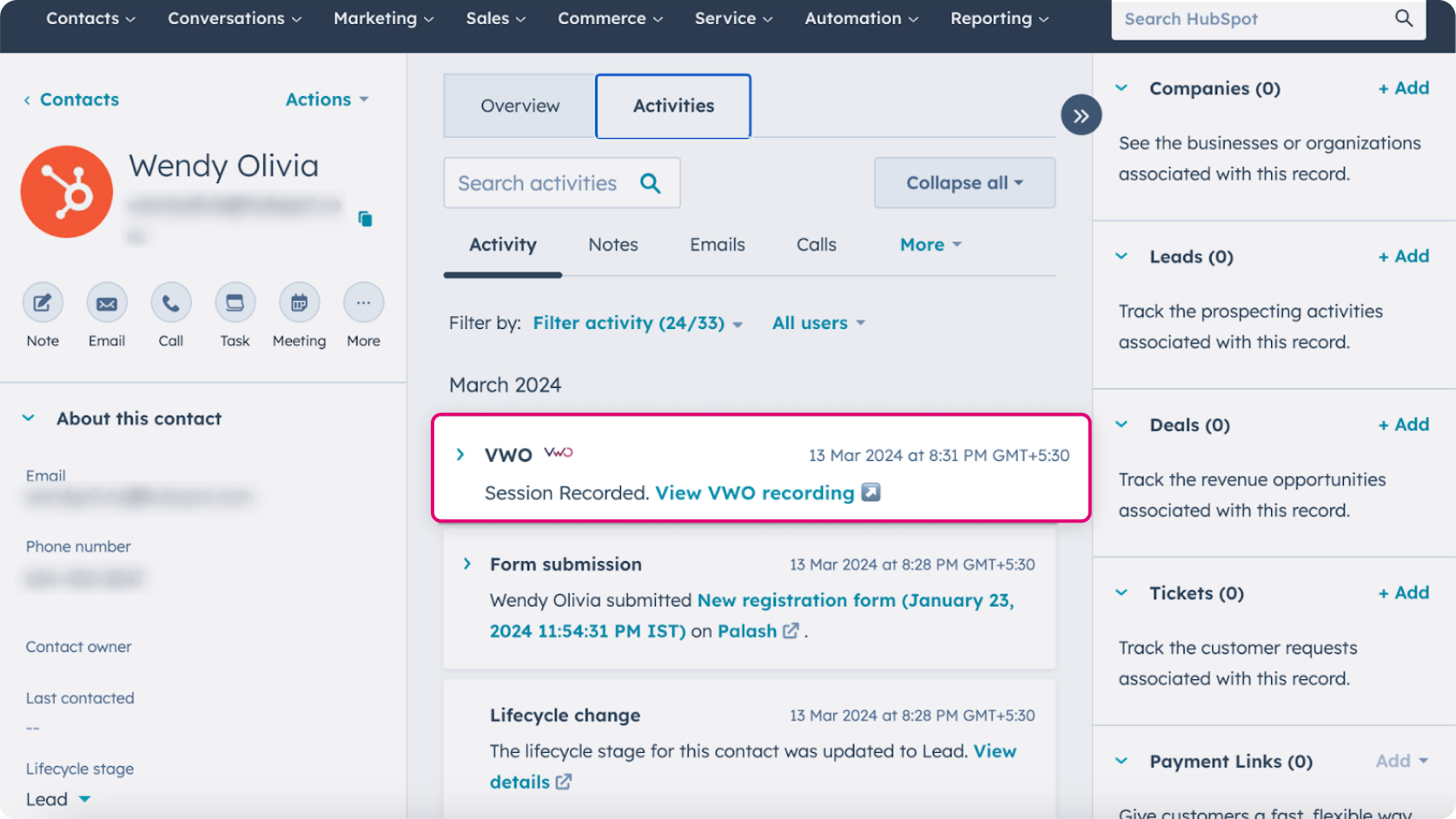
Push Wingify Session recording data directly into your HubSpot contact activity timeline. Authenticate Wingify from within HubSpot and access detailed session recordings directly under your contact activities.
2. Push Wingify campaign data to Hubspot
Push Wingify Testing and Personalize campaign data to Hubspot as custom events. View experiment data directly within your HubSpot account, and use it to filter and segment contacts. The integration supports both the new Custom Events mode and the Legacy mode for event tracking.
3. Import Hubspot lists to Wingify
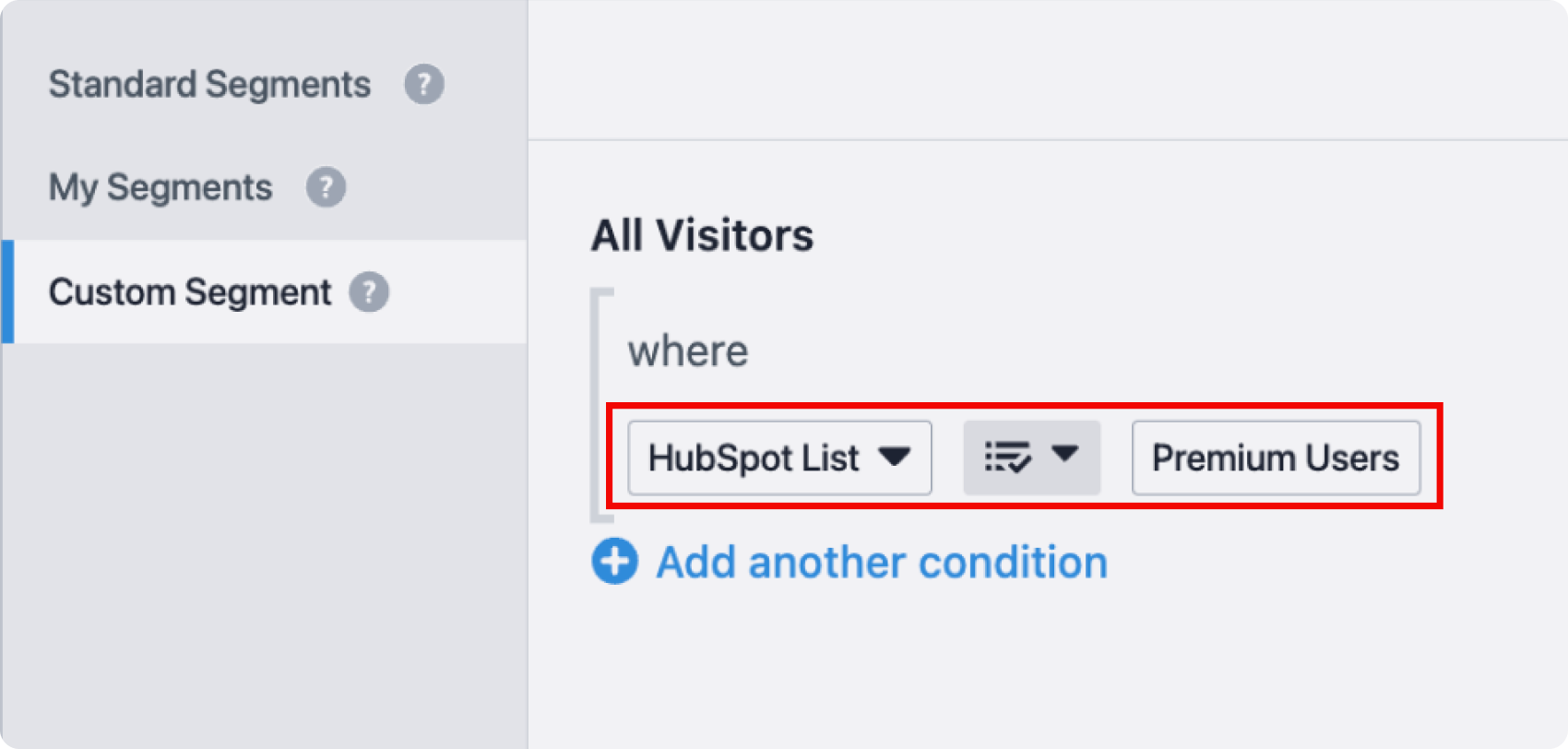
Import Hubspot visitor lists into Wingify and run targeted Wingify campaigns on them. You can create visitor segments in Hubspot based on their interaction with different workflows, emails, or forms, and then personalize experience for them or run dedicated A/B tests.
Use cases
1. Seamlessly run experimentation and personalization campaigns on your HubSpot list
With this integration, you can import HubSpot lists into Wingify to run targeted A/B test and personalize campaigns. You can essentially utilize HubSpot attributes, such as email engagement, purchase behavior, or past activity, to create highly specific user segments, and run personalize or test campaigns on them.
2. View session recording of your contact right from their activity timeline in HubSpot
This integration will also allow you to stitch your contact’s session recording directly with your contact’s activity timeline within HubSpot. This way when you are analyzing your contact’s activity timeline, you can also directly view the recording of how they are actually navigating your website to get the complete picture.
3. Understand the impact of your experiments on your business KPIs and specific user groups
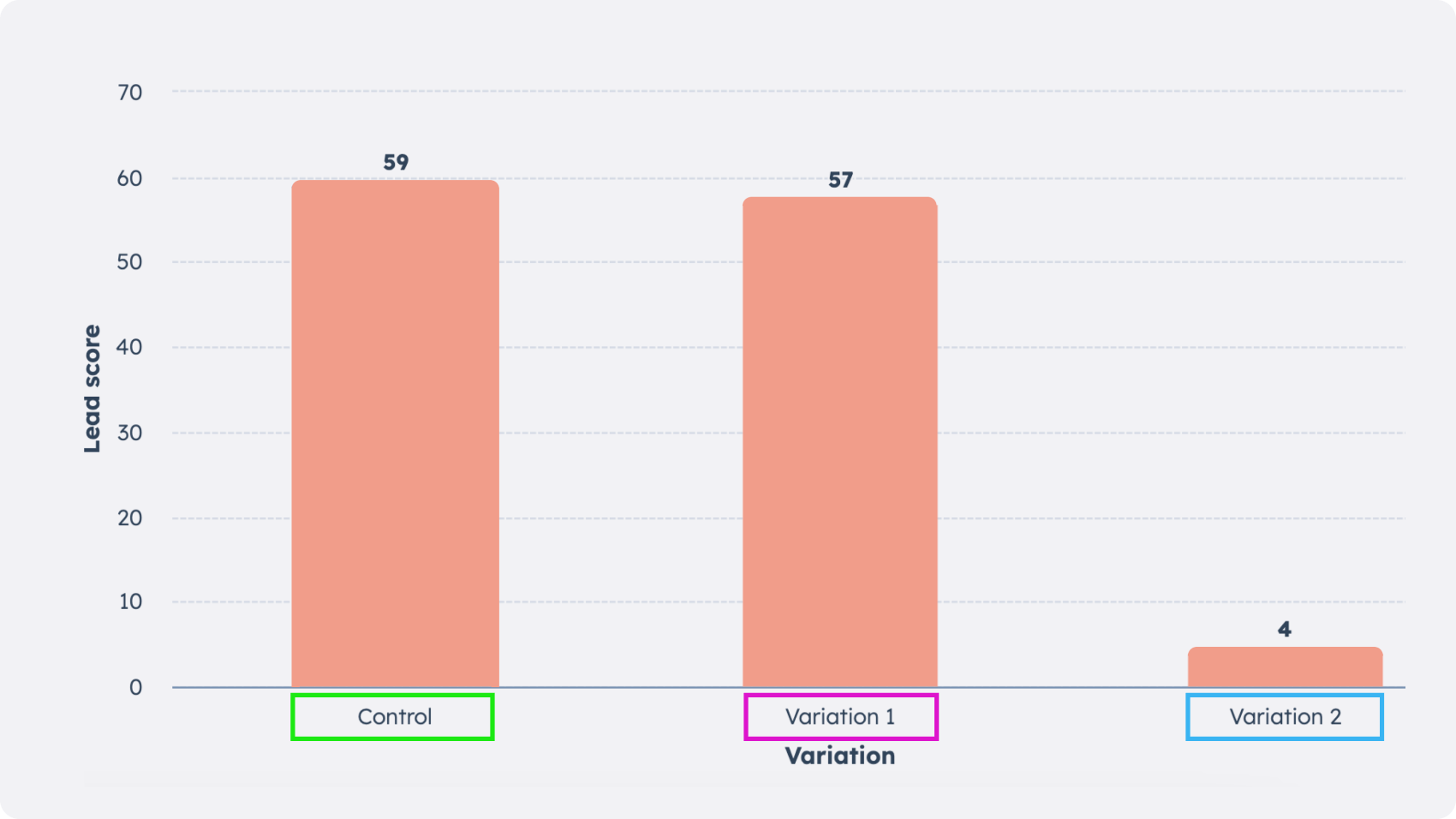
Wingify tracks your users‘ experimentation activities, while HubSpot CRM stores broader customer data. By integrating the experimentation data with customer information, you can gain deeper insights into how different experiment variations affect various KPIs and customer segments that you are already tracking in HubSpot.
For example, suppose a variation in a sign-up form test shows higher conversion and is declared the winner. However, by further analyzing the data in HubSpot CRM, you can assess its impact on different pre-defined KPIs or segments. Perhaps the variation had higher conversions, but the control group yielded higher quality leads. Or maybe the variation performed better in one industry but significantly worse in another.
4. Trigger HubSpot workflows based on your contact’s experimentation activity
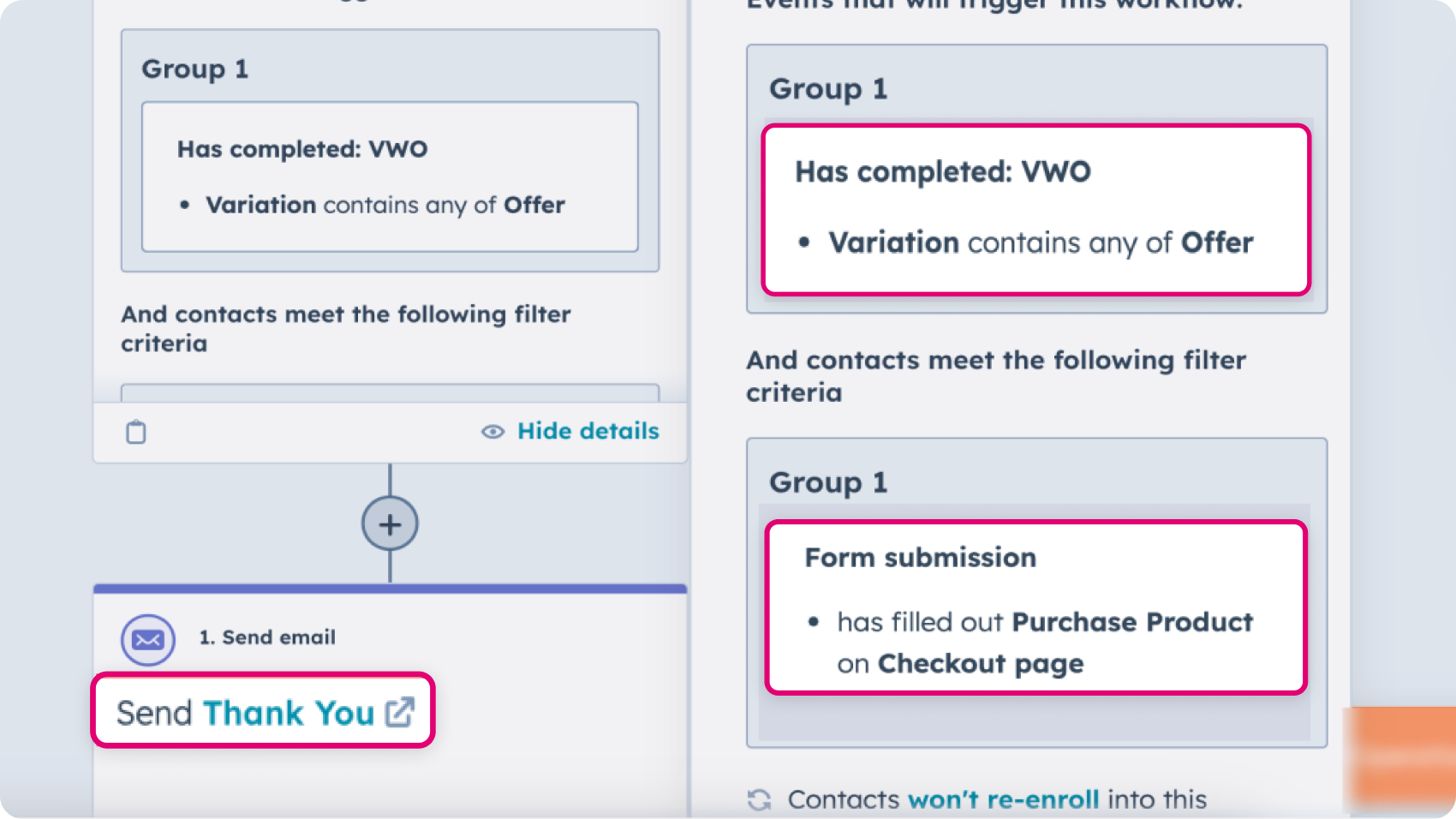
The integration allows you to push Wingify experiment data to HubSpot as custom events, which you can use as triggers to set up automated workflows. For example, If a visitor becomes part of a Wingify experiment variation with a special offer, trigger a HubSpot workflow to send them a personalized thank-you email if they complete the purchase.
Shared data


Visitors are tagged with their experiment and variation ID during their session, and this data is pushed to the integrated tool.
Data from third-party tools is used to target visitors in Wingify campaigns (e.g., 6sense's Firmographic data, Marketo's Smart lists, Segment's audiences).
Features by plan
| Feature | Growth | Pro | Enterprise |
|---|---|---|---|
|
Export Campaign Info
Visitors are tagged with their experiment and variation ID during their session, and this data is pushed to the integrated tool. |
|||
|
Audience Targeting
Data from third-party tools is used to target visitors in Wingify campaigns (e.g., 6sense's Firmographic data, Marketo's Smart lists, Segment's audiences). |

As a hands-on user of Wingify, I’ve personally experienced how quickly it allows prototyping and testing of new ideas, features, and content. The ability to push changes, without having to involve multiple teams to relaunch areas of the site can’t be praised highly enough, and the ability to reverse those same changes instantaneously is equally as useful.
Senior Group Product, Design Manager